
EMEET Pixy Wireless Review: Great AI Tracking, but a 4K Catch
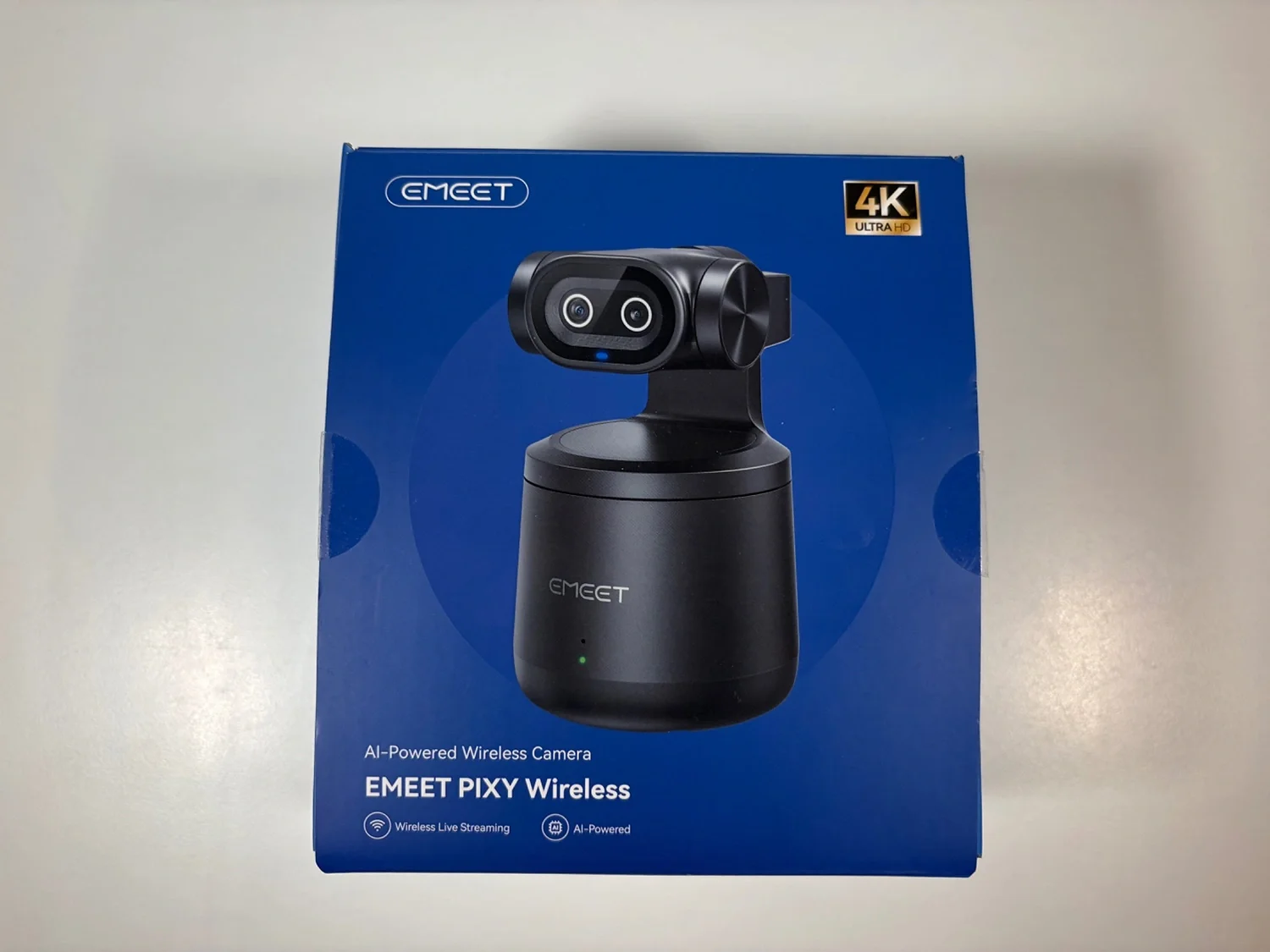
The EMEET Pixy Wireless has spent just over two weeks on my desk, connected to my MacBook Air, filming a review of itself and joining two Teams meetings. My daughter, who streams regularly, used it twice for live broadcasts.
At first glance, it looks like the answer to a specific problem: a PTZ camera you can put anywhere, controlled from your phone, with AI tracking and 4K video. No cables, no capture card, no fuss.
The reality is more complicated. The 4K is real, but only when you're wired. The wireless freedom is real, but only at 1080p. And the weight — 440g — means this is a camera that lives on a tripod, not perched on your monitor.
I think it's a genuinely useful tool for a particular kind of creator. But the marketing tells a story the hardware doesn't quite deliver, and that matters if you're spending your own money.
EMEET Pixy Wireless: Quick Verdict
After more than two weeks of testing, I found the EMEET Pixy Wireless to be a capable streaming camera with excellent AI tracking and surprisingly good audio. However, its wireless resolution is limited to 1080p, and you'll need a wired connection for 4K.
| Best for | Live streamers and content creators who want reliable AI tracking and good audio without a complicated setup. |
|---|---|
| Tested | Over two weeks with my MacBook Air, including video recording, Microsoft Teams meetings and two live streaming sessions by my daughter. |
| What I liked | Smooth AI tracking, reliable gesture controls, clear microphone, useful portrait mode and included carrying case. |
| What could improve | Wireless video limited to 1080p, weak low-light performance, noticeable lip-sync delay when recording and a relatively heavy design. |
| My verdict | A good choice for live streaming in well-lit rooms, particularly if AI tracking matters to you. Less convincing for long-form YouTube recording or anyone expecting wireless 4K. |
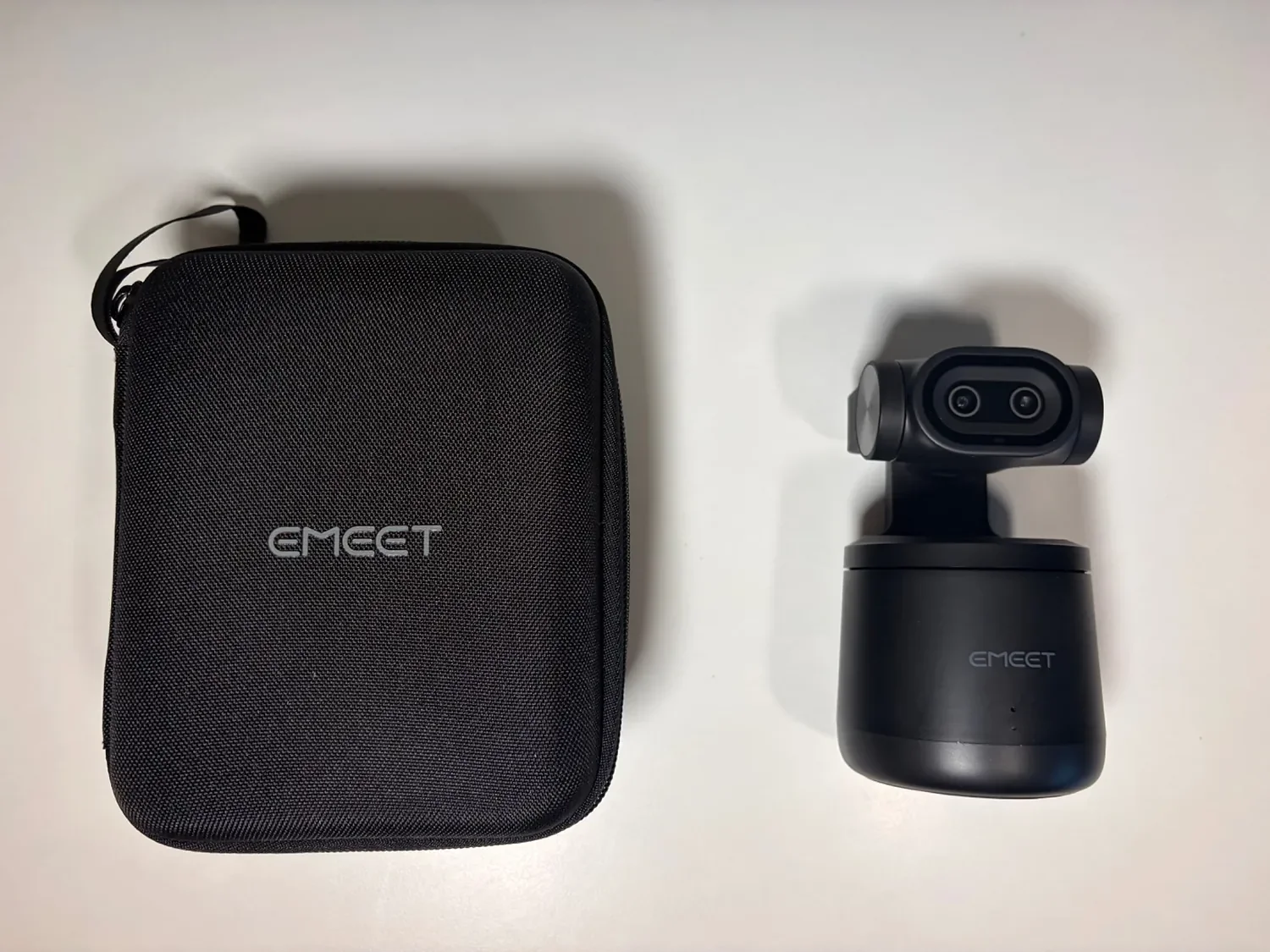
The Pixy Wireless comes with a protective carrying case, a useful extra for transporting the camera.
How I Tested the EMEET Pixy Wireless
I used the Pixy Wireless for just over two weeks, primarily connected wired to my MacBook Air via USB-C. That wasn't my first choice — it was a necessity.
The reason is simple: wireless mode caps at 1080p. The 4K resolution that EMEET markets prominently is only available over a wired connection. EMEET's own specifications confirm this: wired maxes at 4K at 30fps, wireless at 1080p at 30fps. I tested wireless briefly, and the 1080p image was not great. For the work I was doing — filming a review, joining meetings, and evaluating image quality — wired was the only sensible option.
I used it for three things:
Filming a review video of the camera itself
Two Microsoft Teams meetings
My daughter used it twice for live streaming (she streams regularly and has her own setup, so her feedback is based on comparison with what she normally uses)
I did not test battery life independently, because most of my testing was wired. I'll note EMEET's 8-hour claim but I can't verify it.
The Wireless 4K Problem
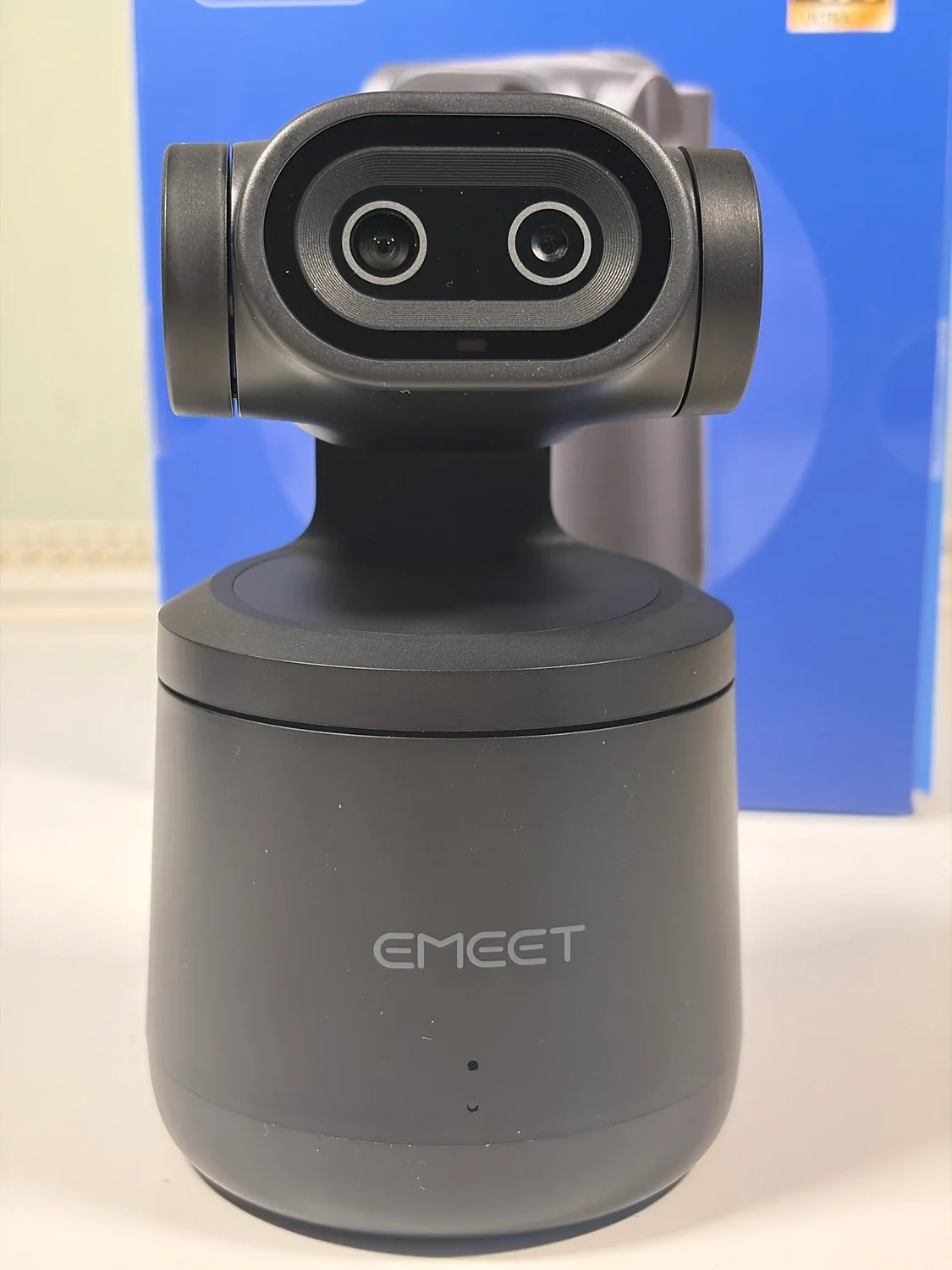
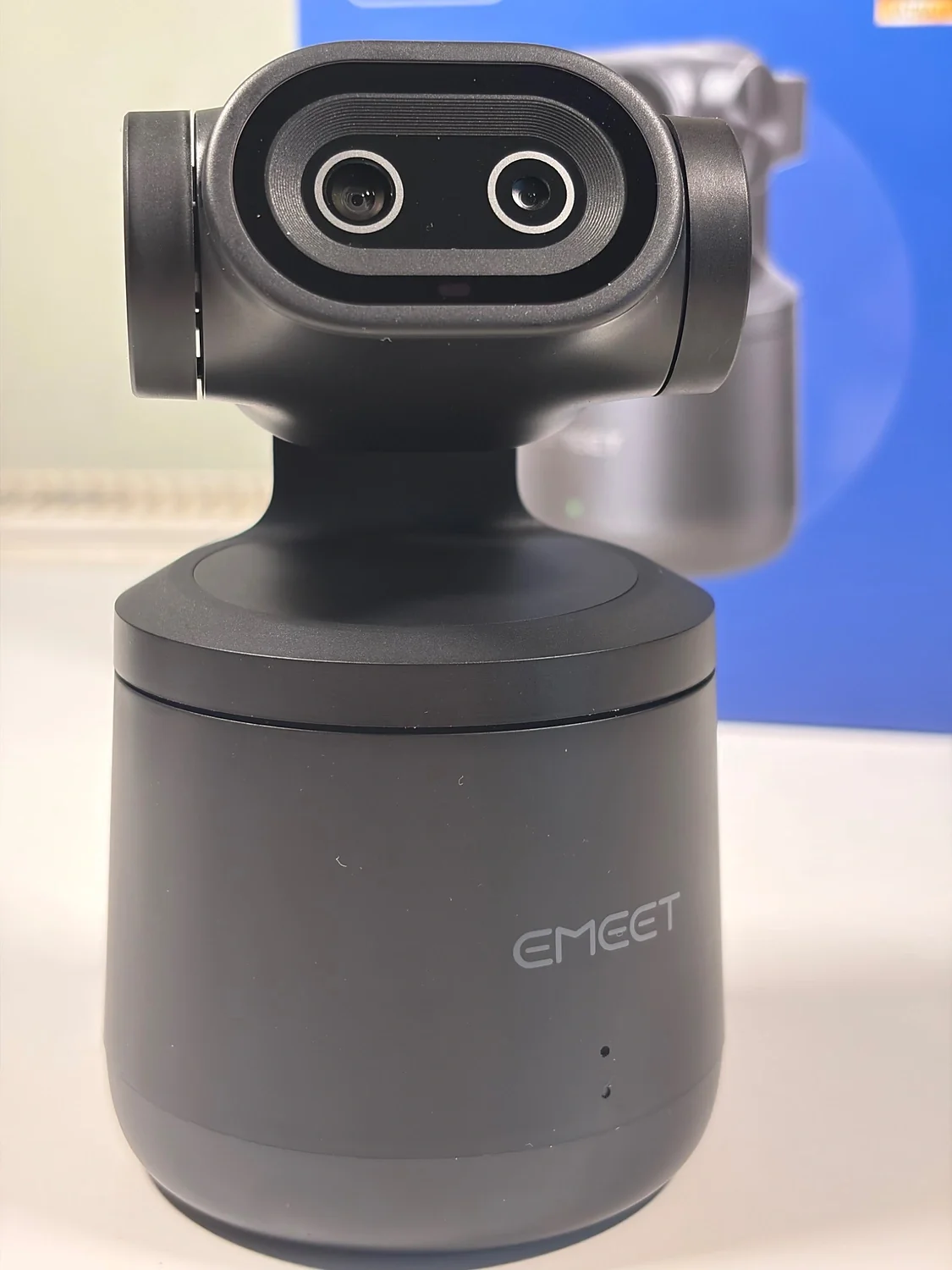
A closer look at the Pixy Wireless camera head and its distinctive dual-element design.
This is the thing you need to know before buying, so I'm putting it near the top.
The product is called the Pixy Wireless. The marketing leads with 4K. Put those two words together and a reasonable person expects wireless 4K.
That's not what you get.
Wireless mode is 1080p. 4K requires a wired connection. This isn't hidden in the specs — EMEET's own product pages state it clearly if you look — but the way the product is presented creates an expectation the hardware doesn't meet.
I found this frustrating, not because the 4K is bad (it's fine, with caveats), but because the wireless limitation undermines the main selling point. The camera's appeal is freedom from cables. But if you want the best image quality, you're tethered. Those two ideas pull against each other, and EMEET doesn't resolve the tension.
For live streaming, 1080p is perfectly acceptable. For anything where you want to edit the footage or present a sharper image, you'll want the cable.
Design, Weight and the Tripod Reality
The Pixy Wireless weighs 440g. That's substantial for a webcam, and it changes how you use it.
You're not clipping this to a monitor. The pod shape doesn't lend itself to that kind of mounting, and the weight makes it impractical anyway. This is a camera designed to sit on a desk or tripod rather than attach to the top of your screen.
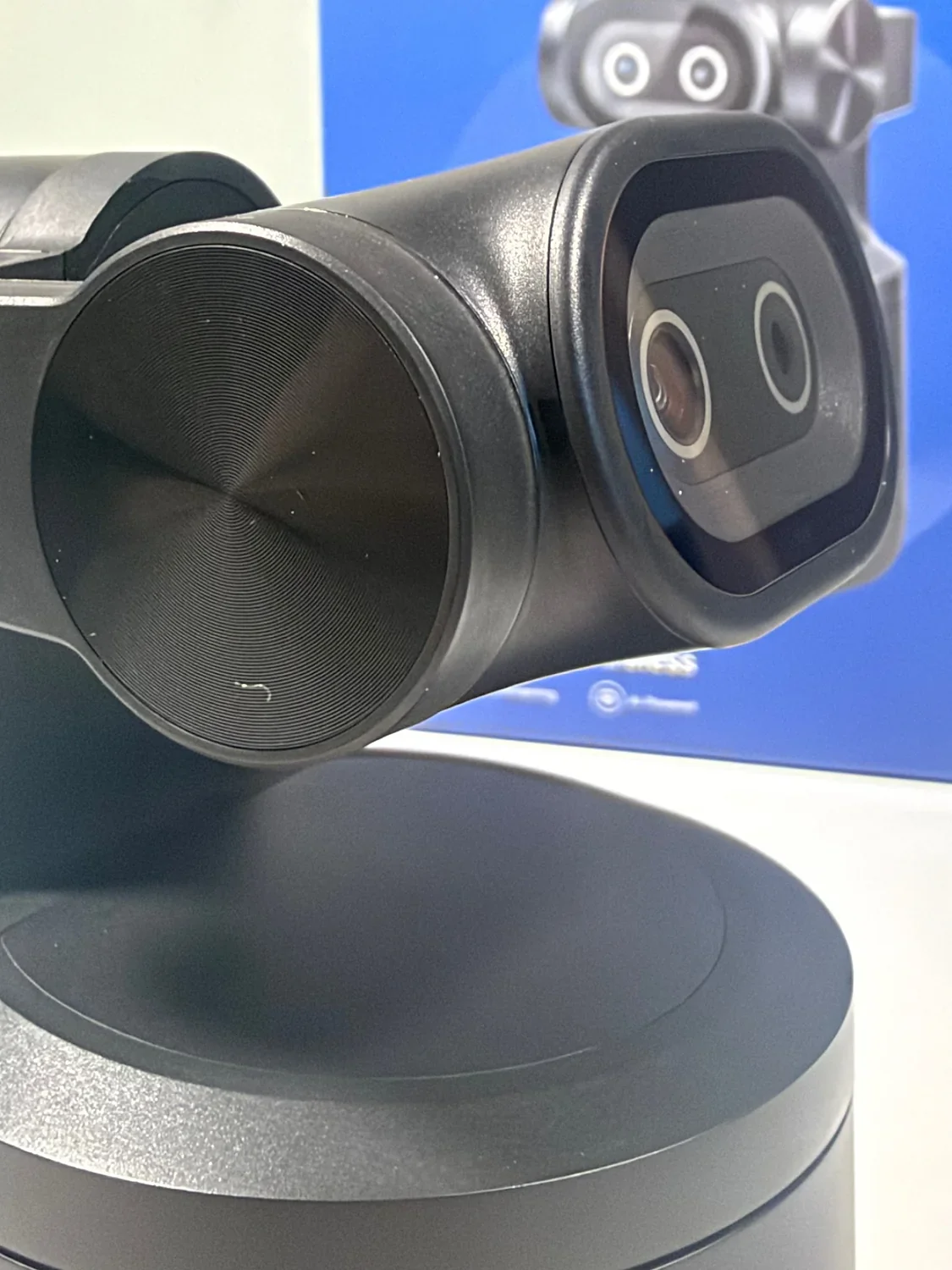
For my testing, that was fine. I used it on a tripod, wired, which is the configuration that makes the most sense for the work I was doing. But if you're imagining a camera you can perch above your laptop screen and forget about, this isn't it.
The carrying case is a genuinely nice inclusion. It makes the camera portable in a way that feels considered, and it's the kind of accessory that's easy to overlook until you need it.
Setup: The Mac App Confusion
Setup took longer than it should have, and the reason is worth documenting because you might hit the same wall.
I searched the Mac App Store on my Macbook Air for "EMEET Studio" and downloaded what I found. It turned out to be the iPhone app, and it wouldn't connect to the camera properly. After about ten minutes of confusion, I realised I needed to go to EMEET's website and download the macOS version directly.
Once I had the right software, setup was straightforward.
There's a second setup issue: the camera defaulted to wireless mode, which meant the image quality was poor until I switched it to wired. Only then did 4K become available. That's the kind of default that should be the other way round — start with the best quality, let the user downgrade if they choose wireless.
Once configured, the EMEET Studio app itself was fine. Functional, not beautiful, but it did what I needed.
AI Tracking: The Standout Feature
This is where the Pixy Wireless genuinely impressed me.
The AI tracking is smooth. I've reviewed the Insta360 Link 2 Pro, which is a more expensive camera with a larger sensor, and the EMEET's tracking compares well. It follows movement without the jittery, over-correcting feel that some PTZ cameras have.
The gesture control — raising a hand to start or stop tracking — worked reliably for me. That's not always the case with gesture systems, and it's a useful feature if you're filming alone and don't want to reach for your phone or laptop.
I mostly used tracking while seated, moving between positions, and it handled that without issue. I didn't test it with fast movement like fitness routines or dance, so I can't speak to how it performs when you're covering ground quickly. EMEET markets it for those use cases, but my testing was more static.
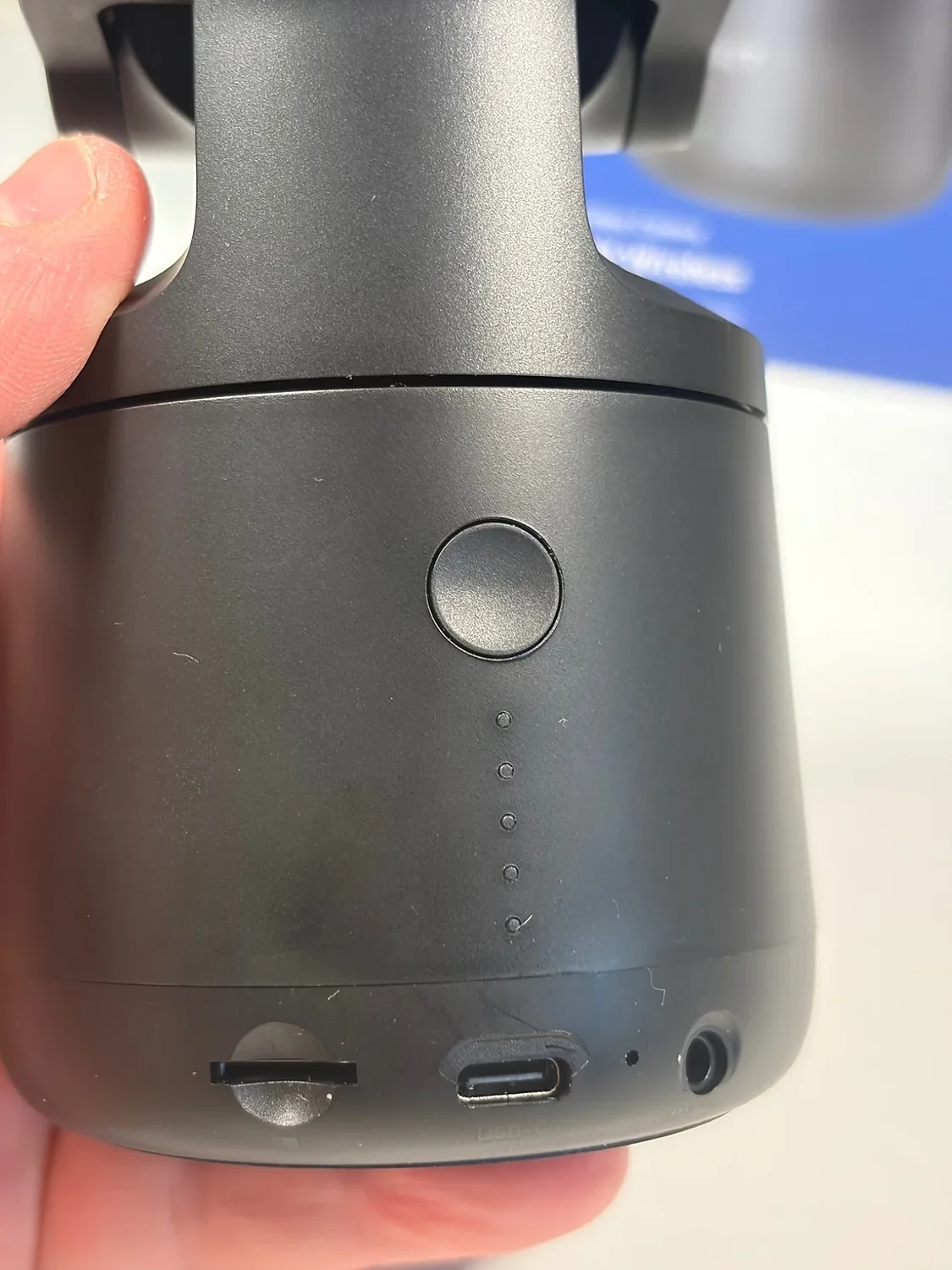
Image Quality: Good in Good Light, Struggles Otherwise
The Pixy Wireless is an indoor camera. That's not a limitation EMEET advertises, but it's the reality of the sensor.
In good lighting, the 4K image is decent. Not iPhone-level, and certainly not dedicated camera-level, but acceptable for live streaming and video conferencing. The detail is there if the light is there.
In less ideal conditions, it struggles. I found the image overexposed by default (HDR can be enabled in EMEET Studio: it might help a bit) and had to reduce the exposure manually. Once adjusted, it was better, but the sensor's limits are clear. In lower light, I noticed that finer details started to soften as the camera tried to compensate, making the picture look less natural.
For a face-to-camera YouTube channel with long-form content, I wouldn't use this. The image quality isn't there, and the lip-sync delay (more on that below) makes it unsuitable for editing.
For live streaming with decent lighting, it's fine. The compression and the live context hide some of the weaknesses.
I also tested portrait mode, and it works well. For short-form content — TikTok, Reels, Shorts — the ability to shoot vertically without rotating the camera is genuinely useful.
The Microphone: Surprisingly Good, With One Caveat
The built-in microphone is one of the pleasant surprises.
For quick use, it's better than most webcam mics. EMEET claims 48kHz, and while I can't verify the technical spec, the audio quality in my recordings was clear and usable. I was pleasantly surprised by how well it captured my voice without needing an external microphone.
There's also a 3.5mm jack for an external microphone, which is a useful option if you want to upgrade the audio without replacing the camera.
The caveat is lip-sync. When recording videos, I noticed a small delay between the audio and the video. It's not huge, but it's there, and for long-form content that you're going to edit, it would be annoying to fix.
My daughter didn't notice it during live streaming, and for that use case it's less of a problem — live platforms often have their own latency, and viewers are accustomed to it. But for recorded content, it's a real limitation.
My Daughter's Streaming Experience
I'm not a streamer, so my daughter's perspective is worth including here. She streams regularly and used the Pixy Wireless twice during my testing period.
Her feedback was positive. The setup was straightforward for her, the tracking worked well, and she didn't notice the lip-sync delay that bothered me during recording. For live broadcasting, the camera did what she needed it to do.
That's a useful data point because it confirms the camera's strengths are best suited to live use. The weaknesses that matter for recorded content — the lip-sync delay, the image quality ceiling — are less relevant when you're live and the platform is compressing everything anyway.
A Brief Comparison: Insta360 Link 2 Pro
I reviewed the Insta360 Link 2 Pro a few months ago, and the comparison is worth making because both cameras are positioned for similar users.
The Link 2 Pro has a larger 1/1.3-inch sensor and an f/1.9 aperture, and its low-light performance is genuinely excellent. The EMEET's 1/2.55-inch sensor and f/2.2 aperture can't match it in challenging light. That's a hardware difference, not a tuning choice.
Where the EMEET holds its own is tracking. The AI tracking felt smooth and reliable, comparable to the Insta360 in my experience. The Insta360 also offers filters and image processing options that the EMEET lacks — if you want a polished look straight out of the camera, the Insta360 gives you more tools.
The EMEET is the more affordable option, and for live streaming with good lighting, it does the job. The Insta360 is the better choice if low-light performance and image processing matter to you.
Battery Life: Unverified
EMEET claims up to 8 hours of battery life. I can't verify that claim because I used the camera primarily in wired mode during my testing.
I wouldn't want to give you a battery estimate based on such limited wireless use. If you're planning a long streaming session, I would keep a power source nearby rather than relying entirely on the manufacturer's claimed runtime.
Should You Buy the EMEET Pixy Wireless?
If you're a live streamer with good lighting, yes.
The AI tracking is excellent. The microphone is better than you'd expect. The carrying case makes it portable, and portrait mode is a genuine advantage for short-form content. For live broadcasting, the weaknesses — the lip-sync delay, the image quality ceiling — matter less.
If you're a face-to-camera YouTuber making long-form content, no.
The image quality isn't there. The lip-sync delay will annoy you in editing. And the wireless limitation means you're tethered anyway if you want the best resolution. You'd be disappointed.
If you want a wireless camera for outdoor or mobile use, think carefully.
The 1080p wireless limitation is the issue. If you're streaming at 1080p and that's fine for your platform, the freedom from cables is genuinely useful. But if you were expecting wireless 4K, you'll be disappointed.
The honest summary: the Pixy Wireless is a good live streaming camera with a misleading name. The wireless freedom and the 4K quality are both real, but not at the same time. If you understand that before you buy, and your use case fits the strengths, it's a useful tool. If the marketing led you to expect something different, you'll feel let down.
At the right price — and with Black Friday coming, it's worth checking — it's a reasonable purchase for the right buyer. Just go in with clear expectations.
Jerome
After two weeks testing the EMEET Pixy Wireless, I found excellent AI tracking, good audio and one important limitation: wireless video is only 1080p.