
WiiM Sound Lite Review: Five Weeks With Spotify, Vinyl, CD and TV
Post updated: 16th of October 2026
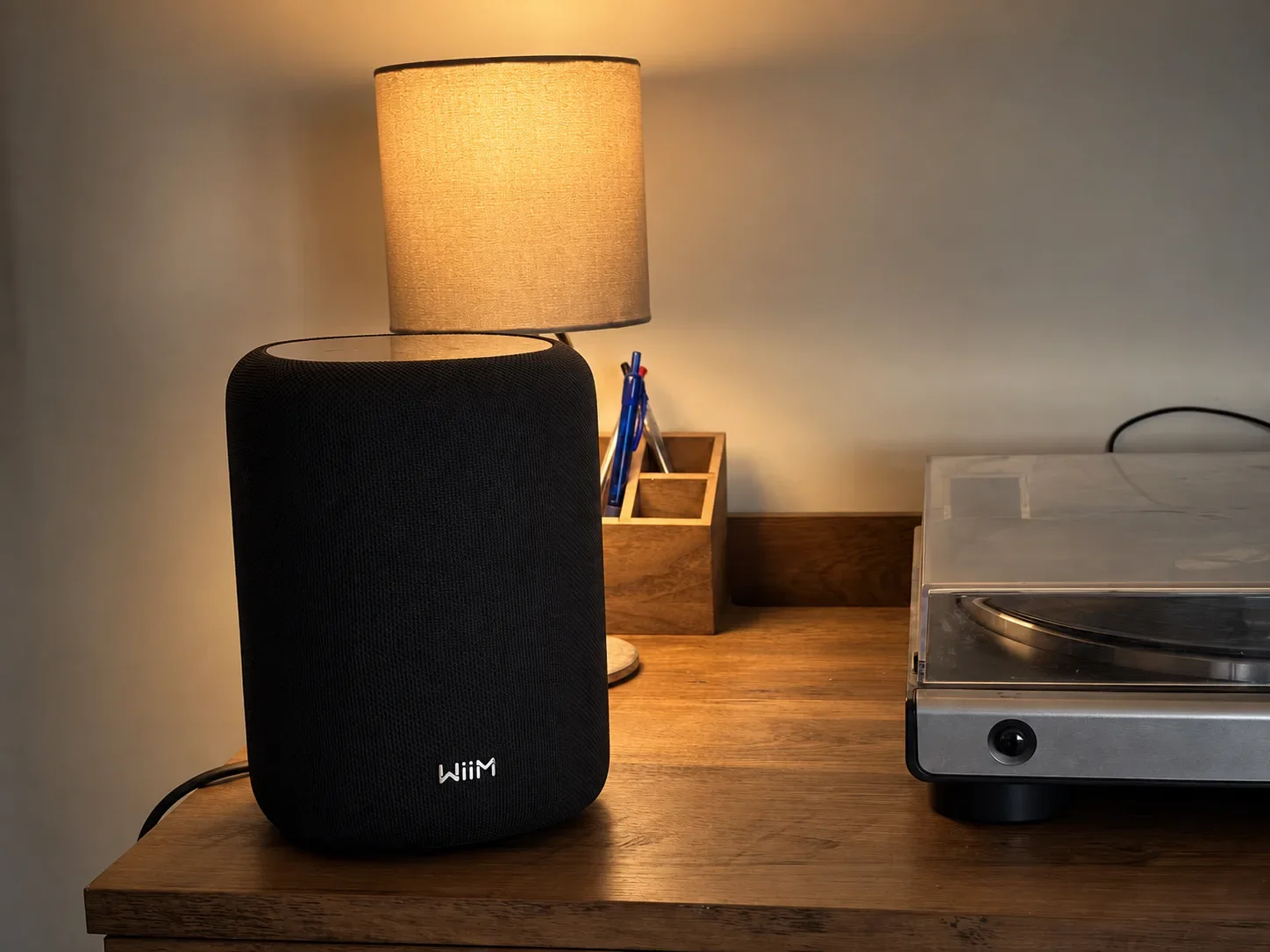
The WiiM Sound Lite has spent the past five weeks in my living room, playing music daily while I work. I've also connected my turntable and CD player, then tried it with a Google TV Streamer 4K.
At £229/$229, I think it's an excellent compact speaker for Wi-Fi music streaming. Spotify Connect is my favourite way to use it, and I prefer its sound to the Edifier S300, although I still love the Edifier's design.
There are compromises. There's no AirPlay. My vinyl setup sounded flatter than I wanted, and one speaker didn't give me the width I wanted for television. Those differences matter more than the "Lite" name.
One note on scope: I tested a single speaker. WiiM supports stereo pairing, multi-room and a Sub Pro, but I haven't tried any of them, so I won't tell you how they sound.
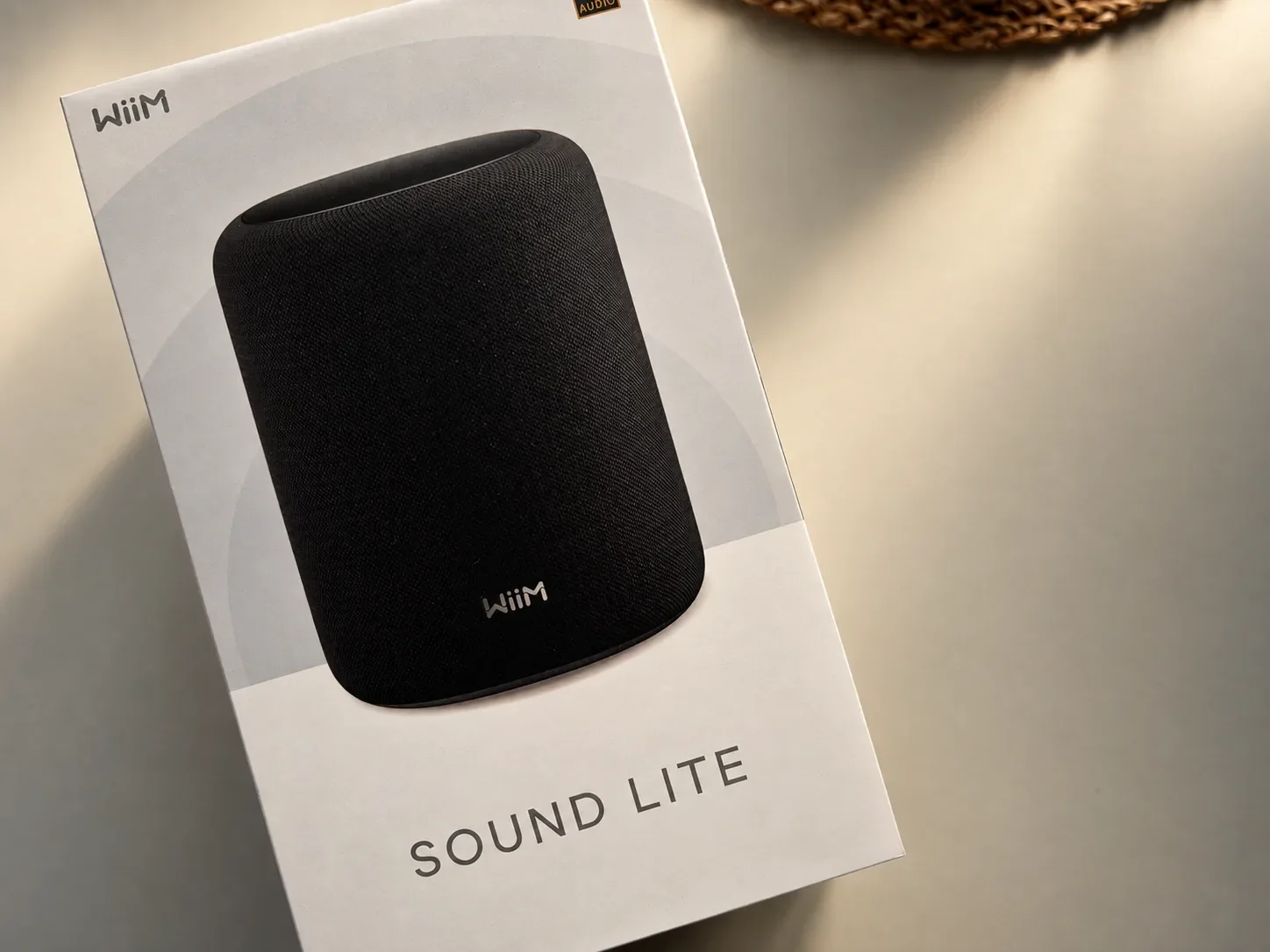
The WiiM Sound Lite arrives in clean, minimalist packaging that matches the speaker’s understated design
How I Tested the WiiM Sound Lite
I tested it in the living room of our three-bedroom house here in Bristol. That's the domestic space behind my listening impressions.
The speaker sits on a desk beside my Audio-Technica turntable. I usually listen between 25 and 65 on the volume control. At 65, it's already very loud in this room.
Most of my listening was Spotify over Wi-Fi, set to Lossless, but I also spent time with vinyl, CD and TV to see how the speaker handled different sources.
| Source | Connection | What I found |
|---|---|---|
| Spotify, set to Lossless | Spotify Connect over Wi-Fi | My preferred way to listen. |
| Audio-Technica AT-LP60 | Analogue connection to Aux | Worked, but sounded quieter and flatter. |
| CD player | Line output to Aux | Much more convincing than my vinyl setup. |
| Google TV Streamer 4K | Bluetooth | Clear dialogue and no noticeable lip-sync problem in my setup. |
I used Wi-Fi for streaming and didn't test the Ethernet port, though it's there if you want a wired connection.
One moment that stuck with me: I was playing Sade's No Ordinary Love while making dinner, and my wife — who rarely comments on audio gear — stopped in the doorway and asked what was playing. That's not a technical measurement, but it told me the speaker was doing something right.
I also compared the Sound Lite with the Edifier S300 and ES300. I tested one WiiM speaker throughout; stereo pairing and multi-room playback are supported features, rather than configurations I've assessed here.
Design and Setup
The Sound Lite's understated design blends nicely with my other equipment. Its shape reminds me a little of a HomePod, and it feels substantial when you pick it up — heavier than it looks, in a way that suggests solid construction.
Setup through WiiM Home on my iPhone 17 was straightforward: download the app, follow the instructions and connect to the network. The app itself is clean and easy to navigate, with the speaker's settings organised logically. I was playing music within a few minutes.
There's no display and no remote in the box. Neither bothered me much because I mostly control music from my phone. The illuminated touch controls on top are responsive when I want to adjust playback directly — play/pause, volume and track skipping are all there, though you'll need the app for anything deeper.
One practical limitation: there's no HDMI ARC, optical input or USB audio input. The available connections suit music streaming and analogue sources much better than a conventional TV or USB desktop setup. There's also an Ethernet port if you want a wired connection, which I didn't need but appreciate having.
The lack of a remote is worth thinking about. If you're across the room and want to skip a track, you'll need your phone. For me, that's fine — my phone is always nearby. But if you're used to a physical remote, it's an adjustment.
Sound Quality: What I Heard With My Test Tracks
The quality that keeps bringing me back to the Sound Lite is its clarity. Vocals come through naturally, and instruments remain easy to follow without the sound turning thin.
I spent around two decades working with audio in the entertainment industry, so I listen for how a voice sits inside the mix, especially when the arrangement gets busy. Extra bass is easy to spot. Keeping everything else intelligible is harder, and that's where this speaker impressed me.
Sade — No Ordinary Love
This is my favourite Sade track, and her voice is the highlight. It sounds smooth and natural, with enough texture to hold my attention. There's body underneath the vocal, and it never gets buried by the music around it.
Dire Straits — Money for Nothing
Guitars have good definition, while the vocals remain clear in the mix. There's enough bass weight to support the track without pulling my attention away from the playing. I also like using the Rock EQ preset with rock music. It gives the presentation a little more energy, and switching presets is easy enough that I actually bother doing it.
George Michael — Spinning the Wheel
The WiiM handles George Michael's voice with the richness I want, while keeping the overall presentation clear. It's another recording that reinforces why vocals are the part of its performance I enjoy most.
What I Listened To
My test tracks in this review lean toward vocal-led music from the 80s and 90s, but that's not the whole picture of what I actually played through the Sound Lite over five weeks.
Most of my daily listening is vocal-led 80s and 90s tracks, a lot of current indie, and jazz with a coffee-shop vibe. I'm a big Moby fan, so his catalogue got plenty of play too. The Sade, Dire Straits and George Michael tracks above are the ones I used to focus my impressions, but they sit inside a much wider mix of everyday listening.
I didn't spend much time with dense modern production, classical, or heavy electronic music, so I can't tell you how the Sound Lite handles those. If that's your library, audition it with your own music.
How Loud Is It in a Normal Living Room?
My usual range is 25 to 65 on the app's volume control, and 65 is already very loud while staying clear in my room. Those are app settings, not decibel readings.
For my living room, one Sound Lite provides enough volume. If you have a much bigger space, or you want party-level volume, you're looking at a different purchase.
RoomFit and EQ: The Settings I Actually Use
I run RoomFit, then pick an EQ preset for what I'm listening to. Lounge, Rock and Jazz are the ones I've enjoyed most.
RoomFit uses your phone's microphone to measure how the speaker sounds in your room, then adjusts the output to compensate. It made a small but real improvement in my room. The sound felt a bit better balanced and more controlled. It isn't dramatic, and I wouldn't buy the speaker expecting calibration to fix a bad position.
To set it up:
Put the speaker where it will live.
Open the speaker's settings in WiiM Home and choose RoomFit.
Follow the instructions with your phone at your listening position.
Play familiar music at the same volume and compare presets before you settle on one.
The whole process takes a few minutes. If you move the speaker, run RoomFit again. It applies to all sources, so you only need to do it once per position.
Graphic and parametric EQ are there if you want finer control, but the presets have been enough for me. Dynamic Bass is a separate setting that adjusts bass according to playback volume. It's worth understanding the distinction: RoomFit addresses the room, while EQ and bass adjustments let you tailor the presentation to your preference.
Spotify Connect, Lossless and Using an iPhone
Spotify Connect has been the centre of my daily listening. I pick the WiiM from Spotify's device list and control everything from my iPhone. It's simple, stable, and the way I've used the speaker most.
I used Spotify's Lossless setting at the highest quality available. Lossless is a Premium feature, and it supports up to 24-bit/44.1kHz on compatible devices — the speaker's 24-bit/192kHz figure is a separate ceiling. To check your setting, select the speaker in Spotify Connect, open its quality settings and choose Lossless where available. Being on Wi-Fi doesn't guarantee the quality you've selected.
The Sound Lite also supports TIDAL Connect, Qobuz Connect and Google Cast. My own listening has been on Spotify, CD, vinyl and TV audio.
Does the Missing AirPlay Matter?
For my Spotify listening, no. Having an iPhone doesn't mean you need AirPlay to use Spotify Connect.
But if AirPlay is how you move music around your home, not having it is a real limitation. Bluetooth gives you another way to send audio from your phone, but it doesn't replace AirPlay's integration.
If AirPlay is essential for you, I've used the Edifier D32, which supports it. You can read my Edifier D32 review for more.
Vinyl, CD and the Aux Input
The turntable was the least satisfying source in my testing.
I connected my Audio-Technica AT-LP60 to the Aux input. It worked, but it was quieter than Spotify or the CD player, and the sound felt flatter. The AT-LP60 has a built-in phono preamp, so you don't automatically need an external one. For a direct connection to the WiiM, set the turntable's selector to LINE, which switches that preamp on. If your turntable outputs a phono-level signal, you'll need a phono preamp before it reaches this speaker.
My CD player, connected the same way from its line output, sounded much better — clear vocals, fuller and more energetic. That's why I don't blame the Aux input for the vinyl result. The difference was the source, not the input.
I also compared the Sound Lite directly with my Edifier S300 through the same vinyl setup. This is where the two speakers diverge most clearly. With vinyl, I prefer the S300 — my AT-LP60 sounded fuller and more engaging through the Edifier.
Overall, though, I prefer the Sound Lite. Across streaming, CD and everyday listening, it's clearer and much nicer to listen to. The S300 has its own strengths — I still love its design, and it handled vinyl better in my setup — but if I could only keep one for general listening, it would be the WiiM.
That's the honest split: S300 for vinyl, Sound Lite for everything else.
I haven't worked out exactly why my vinyl result was weaker, so I'll keep the conclusion tight: I preferred this speaker with Spotify and my CD player over this particular turntable combination. If vinyl is your main reason for buying, try your own turntable with it first.
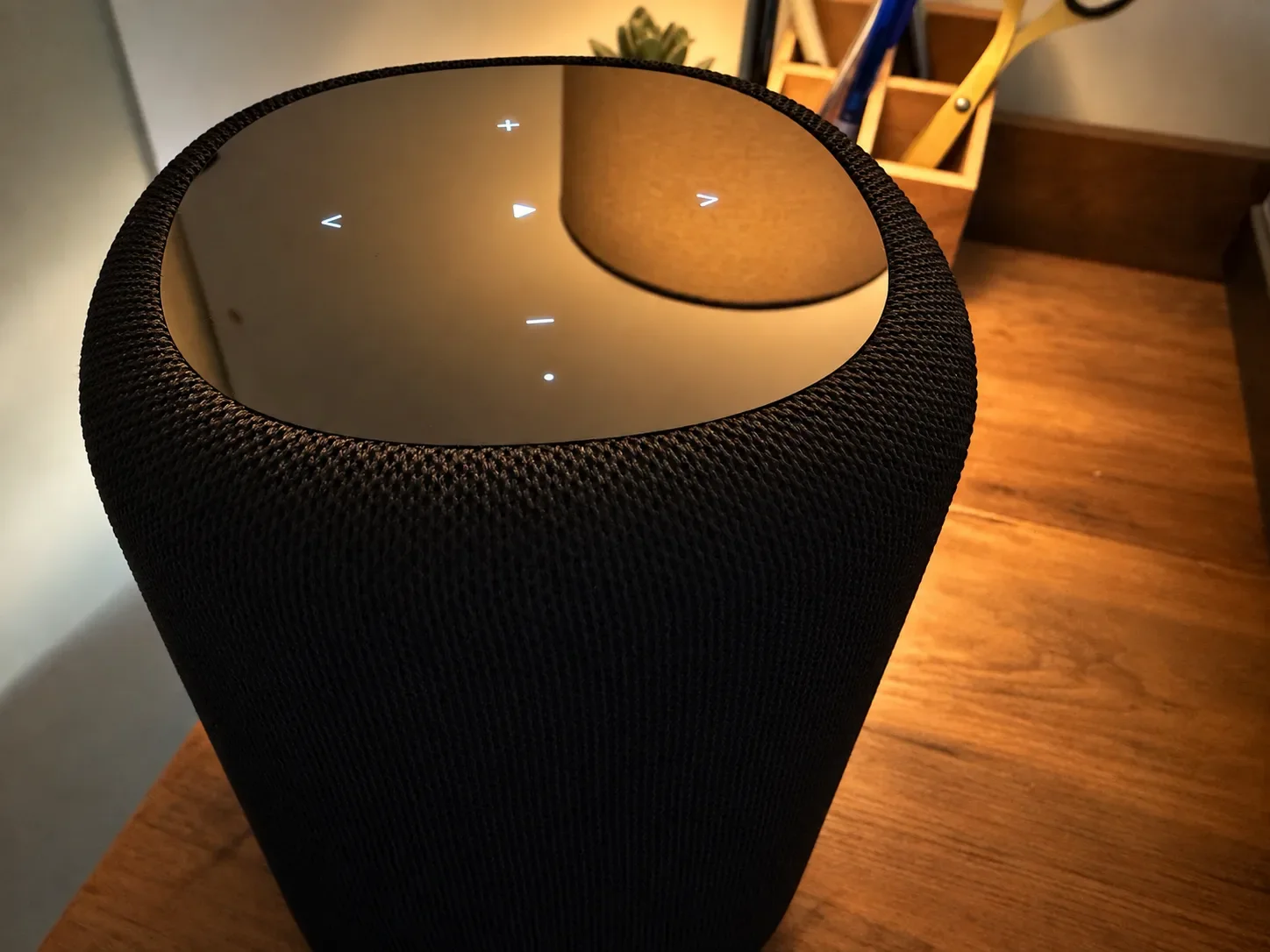
The touch controls on top of the WiiM Sound Lite are simple, responsive and easy to use.
Using the Sound Lite With a Google TV Streamer 4K
I paired my Google TV Streamer 4K over Bluetooth and didn't notice any latency or lip-sync issues during my viewing. The connection stayed stable throughout.
Dialogue was clear. YouTube videos sounded fuller, and films gained impact compared with my television's built-in speakers — muddy dialogue became easy to follow.
The limit is width. One compact speaker didn't give me the separation I wanted for TV, even though the sound itself was enjoyable.
Two compatible WiiM speakers can give you proper left and right channels, but I haven't tested a pair with my streamer. At £229/$229 each, two Sound Lites cost £458/$458 before any discounts. If TV is your priority, compare that total with a soundbar rather than assuming the second speaker is automatically the best purchase.
For me, TV playback is a useful extra. Music remains the stronger reason to buy one.
WiiM Sound Lite vs WiiM Sound: What Do You Give Up?
According to WiiM, the Lite retains the standard Sound’s core acoustic performance and streaming features. The main differences are the display and included remote.
| Feature | Sound Lite | Standard Sound |
|---|---|---|
| Front display | No | Yes |
| Voice remote included | No | Yes |
I haven’t compared the two side by side. My preference for the Lite is based on its feature balance: I don’t miss the display, and phone control suits me.
If you want those extras, consider the standard Sound. Otherwise, the Lite concentrates the purchase on the features I actually use.
Is the WiiM Sound Lite Worth £229/$229?
For my daily music listening, yes.
Spotify Connect is the reason I'd buy it, though TIDAL Connect and Qobuz Connect are also supported if those are your services. CD playback and the Bluetooth TV connection add useful flexibility.
The trade-offs are clear. If you use AirPlay — especially with Apple Music — think hard before buying. A remote costs extra. If you listen to vinyl, check your own turntable first. And one speaker isn't wide enough for TV; for that, you'd want two.
My advice: Buy the Sound Lite if you want enjoyable Wi-Fi music streaming and its connections match what you own. At £229/$229, it's excellent value for that purpose. If Apple Music over AirPlay or vinyl is what you really need, start your comparison from that requirement.
For TV, one Sound Lite sounds good but two would be spectacular. At £458/$458 for a pair, that's still worth comparing with a soundbar — but the result would be a proper stereo system.
Skip it if AirPlay is how you move music around your home, vinyl is your main source, or you only want a single speaker for TV. For those needs, a different setup will serve you better.
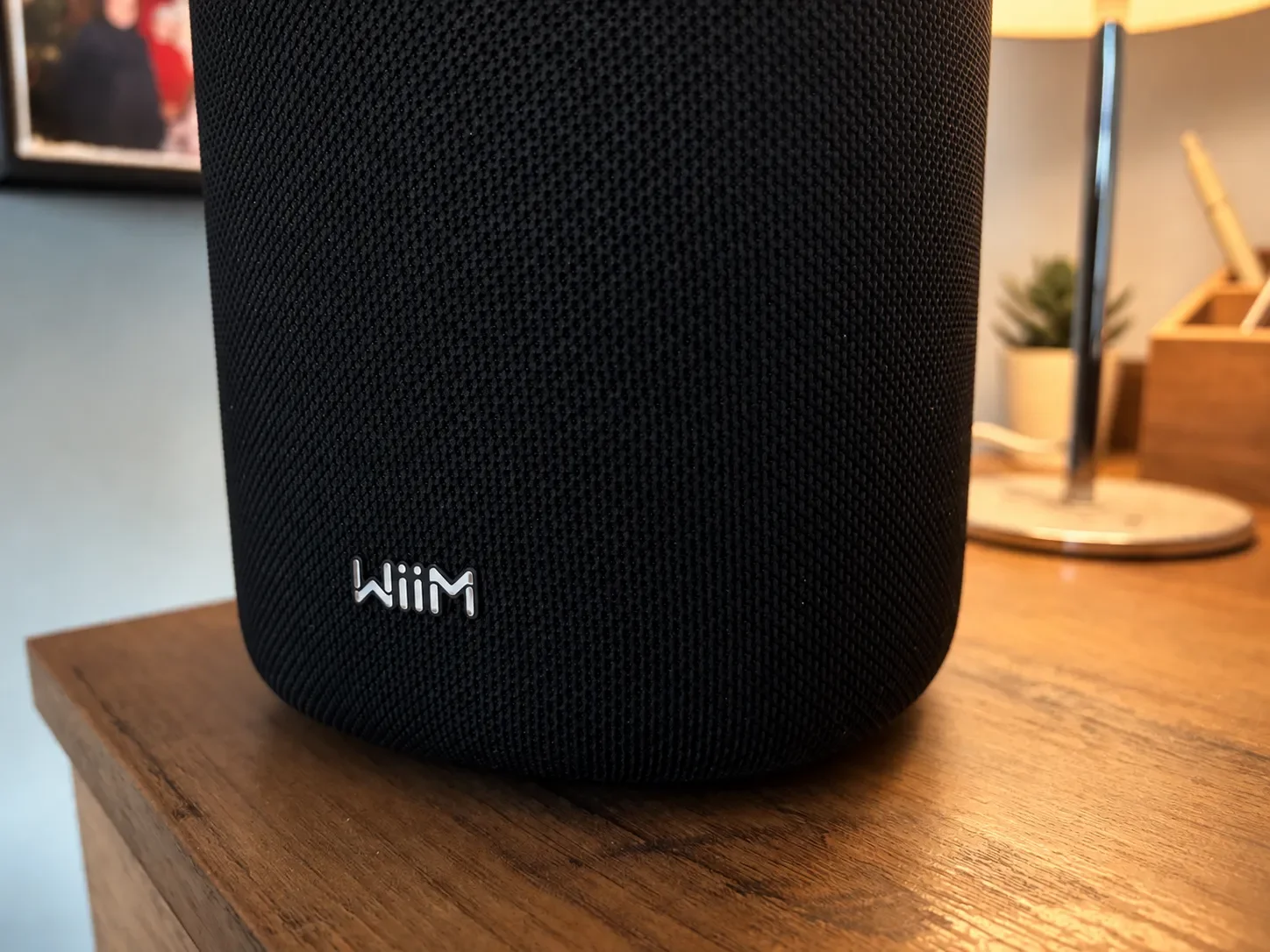
A closer look at the Sound Lite’s fabric finish and premium build quality.
WiiM Sound Lite FAQ
Does the WiiM Sound Lite Have a Battery?
No. It needs mains power and cannot play away from a socket.
Can I Play CDs or Vinyl Without Wi-Fi?
Yes. The Aux input can play an external analogue source without a network connection. Internet streaming needs a connection to your network.
Can I Use It With Apple Music?
It doesn’t support AirPlay. Bluetooth provides a route for audio from your phone, but my own streaming tests used Spotify Connect. If you mainly want Apple Music through AirPlay, choose an AirPlay-compatible speaker.
Can I Connect a Turntable Without an External Preamp?
Yes, if the turntable has a built-in phono preamp and is set to send a line-level signal. Otherwise, you need a suitable phono preamp between the turntable and the WiiM’s Aux input.
Can Two Sound Lite Speakers Make a Stereo Pair?
Yes. WiiM supports dedicated left and right channels with a pair. I tested one speaker.
Does It Have Hands-Free Voice Control?
Voice control requires a compatible external device or optional WiiM voice remote. The remote isn’t included.

Google's XREAL AURA brings Gemini AI to $1,099 smart glasses. Could this be a more practical alternative to Apple's Vision Pro?