
Insta360 Go Ultra Review: My Honest Experience as a Content Creator
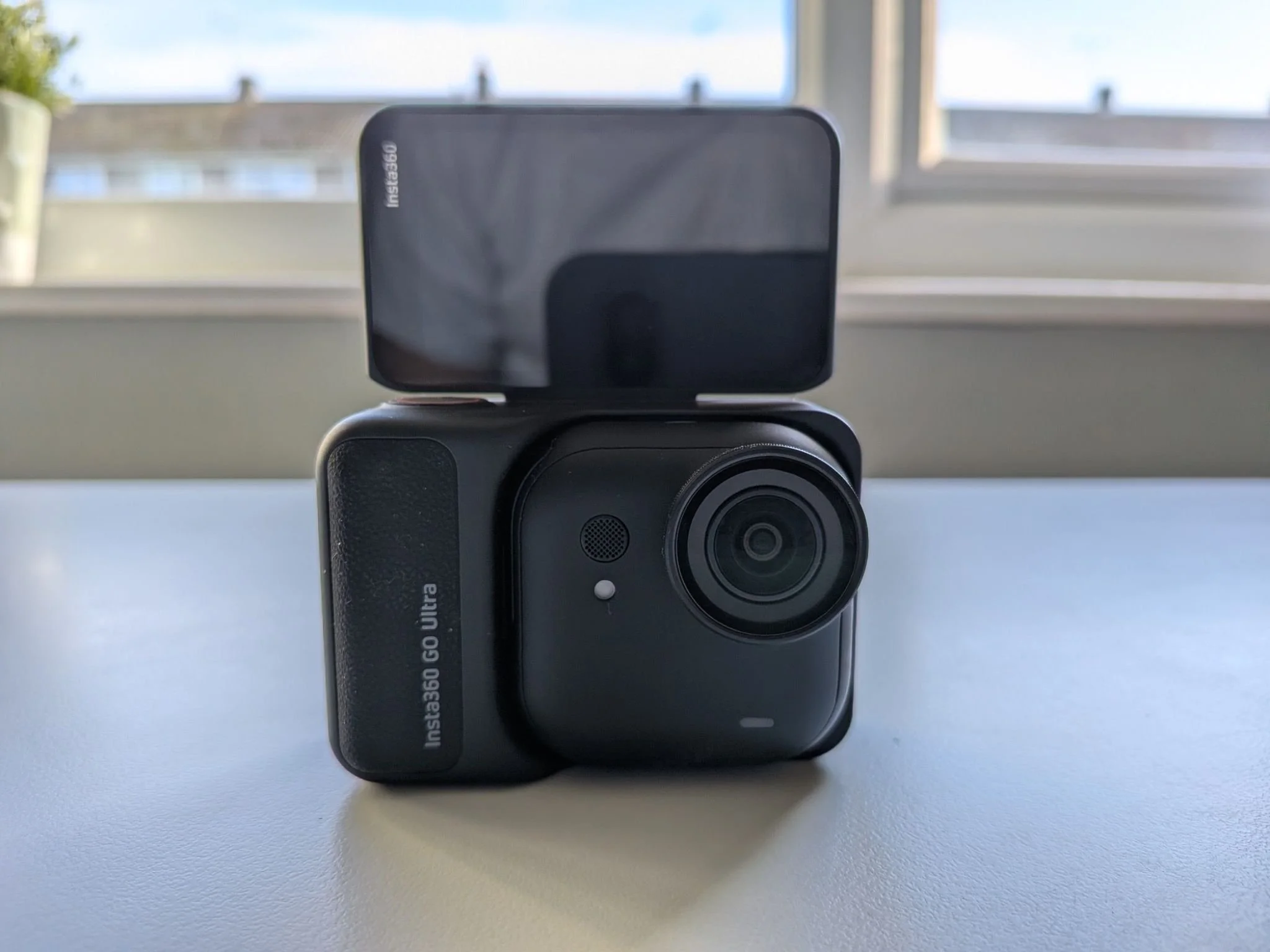
Insta360 Go Ultra Review – My Honest, Real-World Experience
I think it’s fair to say that companies like Insta360 have done a lot to make content creation accessible to far more people. If, like me, you feel that a DSLR camera is too much, but a smartphone isn’t quite enough for what you want to do, then the Insta360 Go Ultra could be a very serious option to consider.
That said, this camera isn’t for everyone, and in this review I’ll share my honest thoughts after using it in my own way.
For the past 12 years, I’ve been testing lifestyle products on this blog, and tech has always been an important part of that journey. I also run a YouTube channel where I regularly publish tech-related content, so in this review I want to focus on how I actually used the Insta360 Go Ultra, rather than getting lost in technical specs.
What Is the Insta360 Go Ultra?
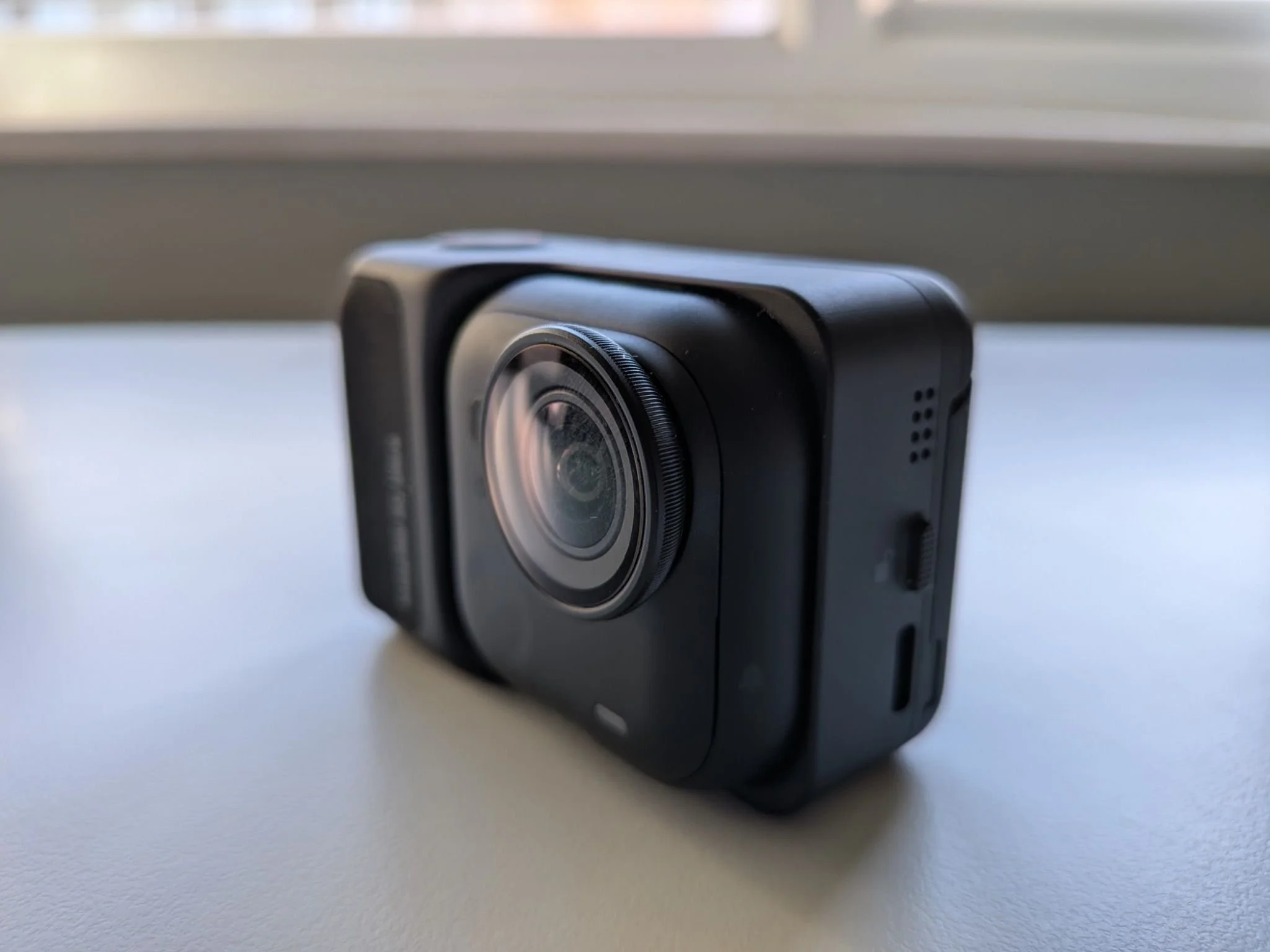
The Go Ultra is one of Insta360’s newest cameras. I’ll be honest: this is only the second product I’ve worked with from the brand. The first one was their AI speakerphone, the Insta360 Wave, which really impressed me with its design and build quality. The Go Ultra follows exactly the same philosophy.
It’s an exceptionally well-built, beautifully designed little piece of tech. The attention to detail is obvious, and you immediately understand why Insta360 has built such a strong reputation.
The Go Ultra comes in two main parts:
the tiny camera itself
and the Action Pod, which features a digital screen
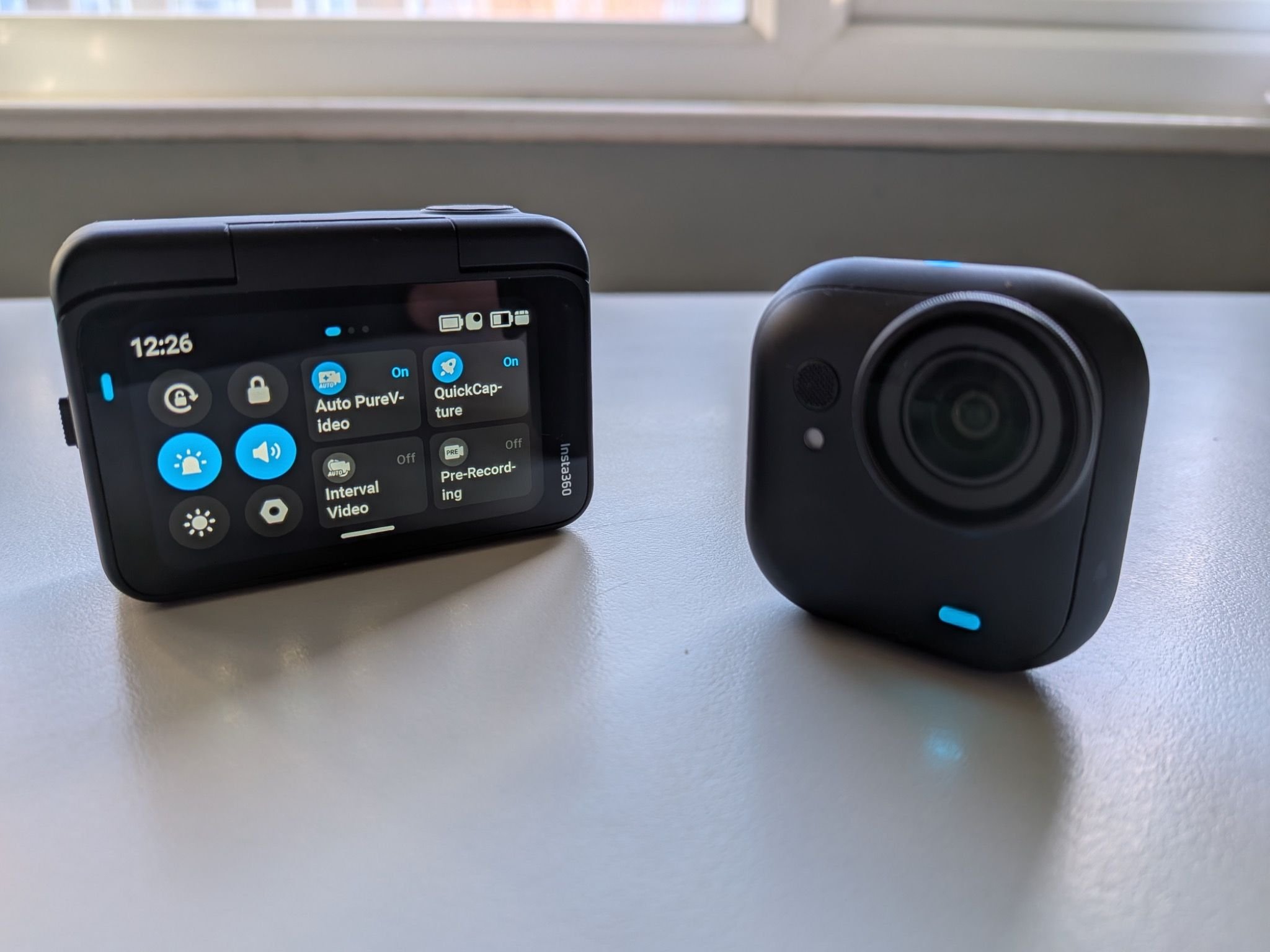
Thanks to a clever magnetic system, the camera snaps into the Action Pod to give it more of a traditional action-camera feel. But you can also use the Go Ultra on its own, while the Action Pod acts as a wireless monitor so you can see exactly what you’re filming.
It’s incredibly light, almost cute in a way, but still feels premium. Just like the Wave, this is a product that feels thoughtfully designed from start to finish.
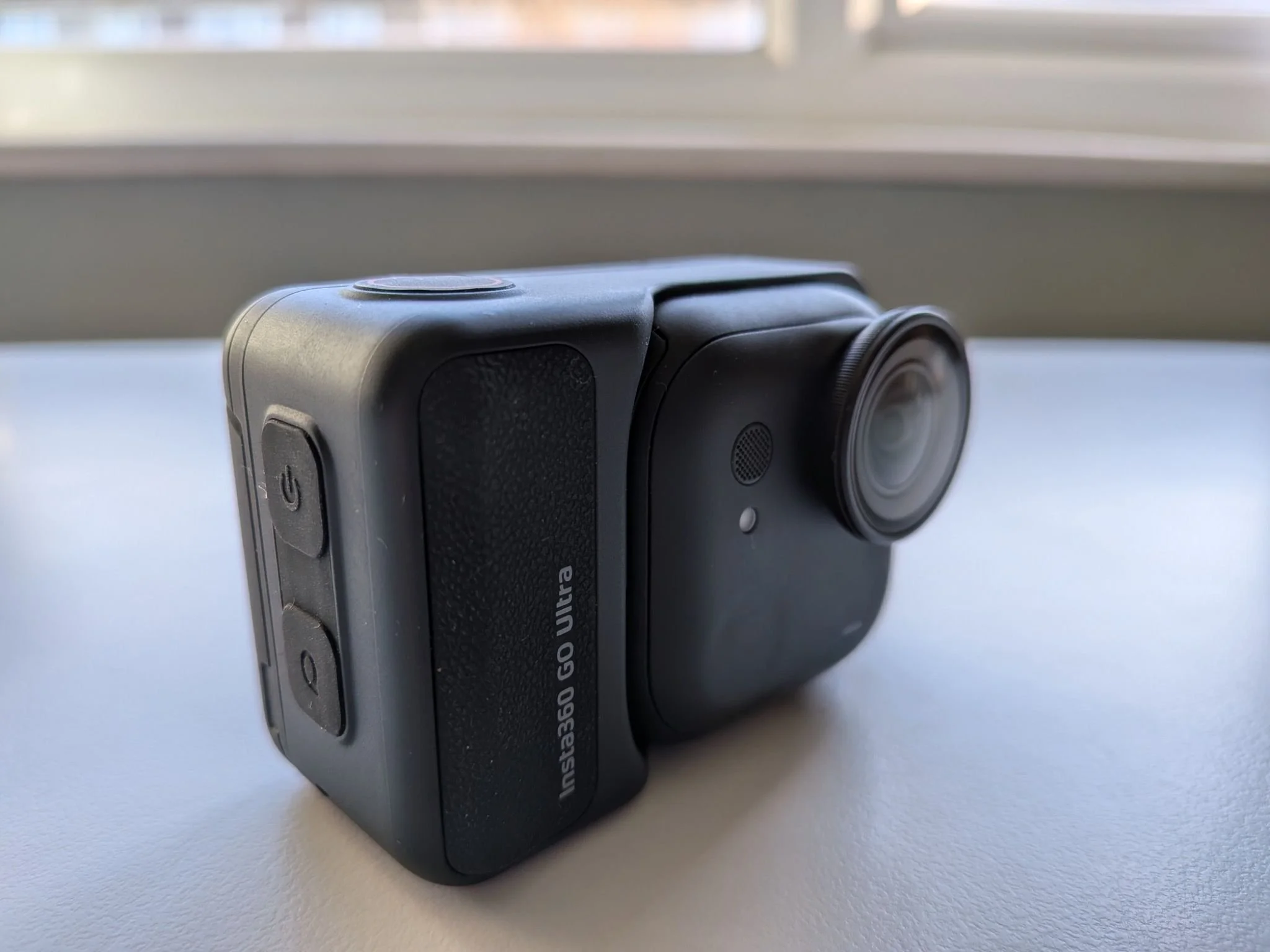
A First-Time Action Cam User: There Is a Learning Curve
I’ve fully embraced the smartphone revolution and consider myself a mobile photographer and content creator. I don’t need the ultimate digital camera, but I do want more versatility than what a smartphone alone can offer.
With a phone, filming is simple: choose the resolution, hit record, and you’re good to go. That simplicity is exactly why content creation has become so accessible.
So when I first picked up the Go Ultra, I’ll admit I felt a bit lost. There are a lot of settings, modes, and options, especially if you’ve never used an action camera before. There is a learning curve, but honestly, that’s part of the fun. Once you start experimenting, things begin to make sense quite quickly.
Using the Insta360 Go Ultra: Versatility at Its Best
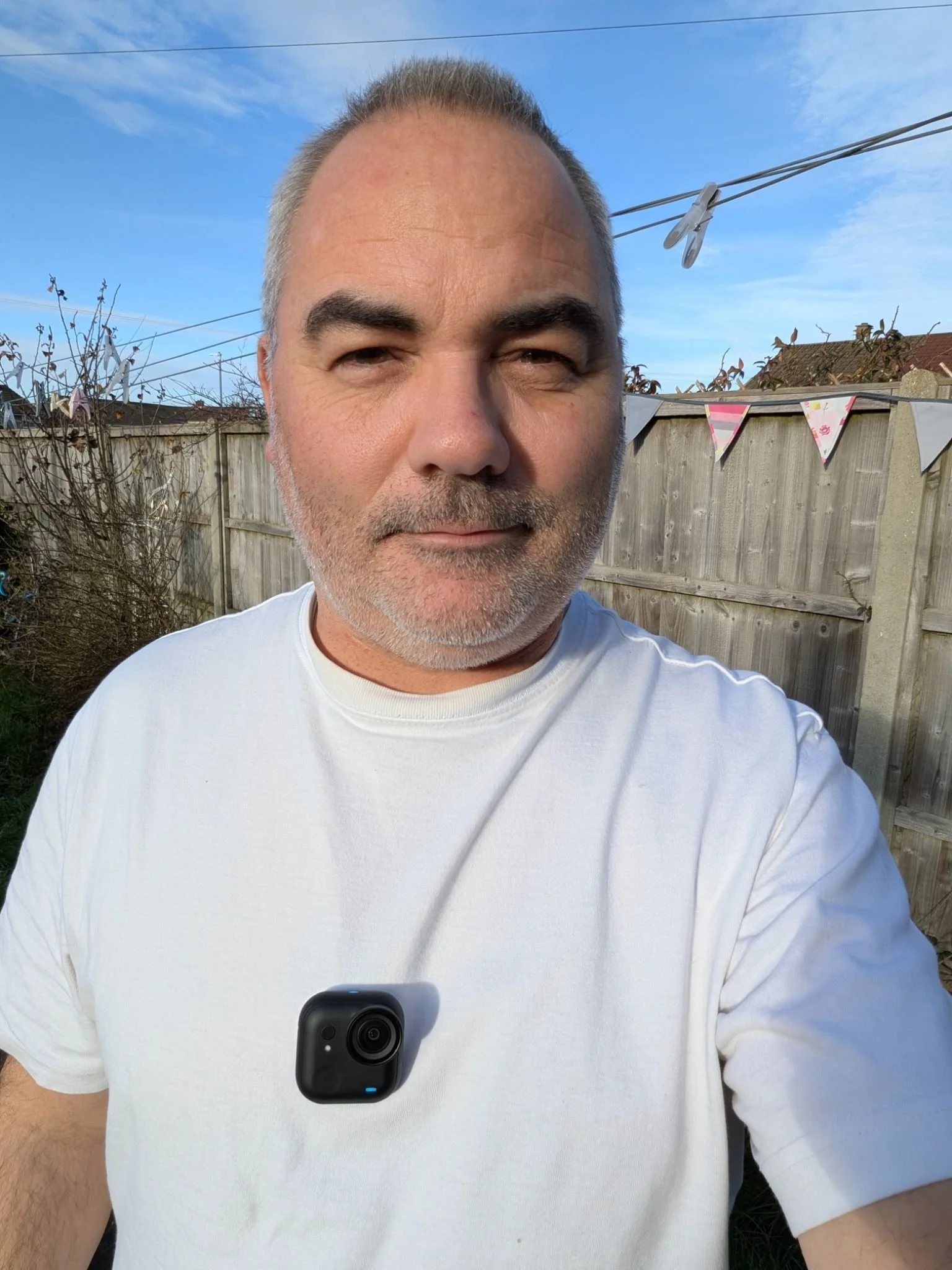
I’ve always wanted to step up my video content a little. Even though all my YouTube videos are filmed on a smartphone, I wanted something extra and the Go Ultra gave me that.
This camera fits almost anywhere: inside a fridge, in a bag, clipped to clothing, honestly, the possibilities are endless. Because it’s so small, it opens up creative angles that just aren’t possible with a phone.
If you’re interested in vlogging but feel uncomfortable pulling out a large camera in public, the Go Ultra is a brilliant solution. With the Action Pod and its flip screen, you can vlog discreetly, see yourself clearly, and stay confident: just remember to look at the lens, not the screen (a mistake I definitely made at first).
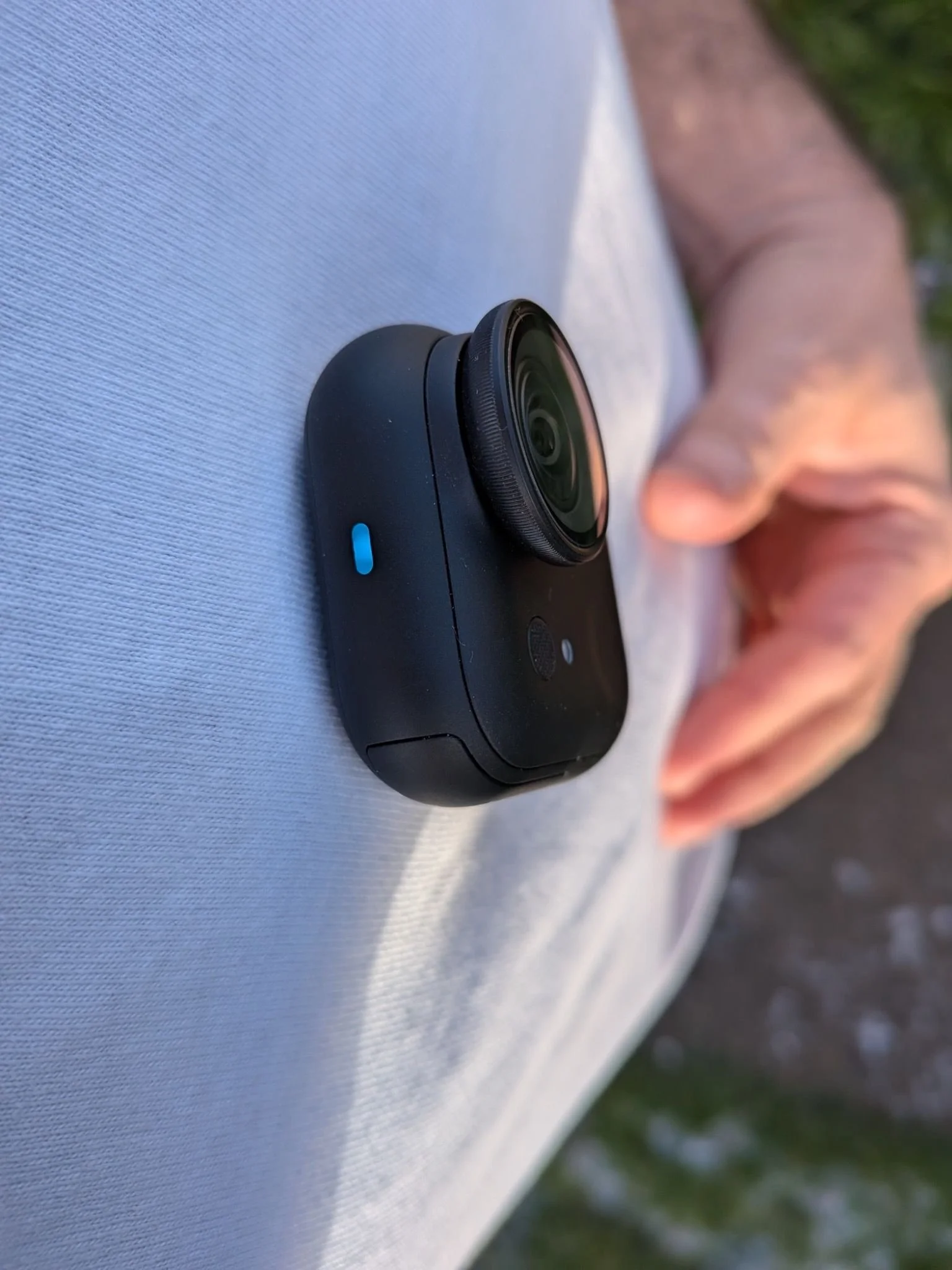
The microphone also deserves a mention, it’s seriously impressive for such a small camera.
One of my favourite features is the magnetic pendant. You can wear the Go Ultra on your chest and instantly capture immersive POV footage while walking or running. What makes it even better is that the Action Pod can stay in your hand and still control the camera remotely. It’s genuinely clever and surprisingly fun to use.
There are plenty of additional accessories too, like the magnetic hat clip, which make the Go Ultra even more adaptable.
With or without the Action Pod, this camera is extremely versatile. In many ways, the only real limit is your imagination.
Video Quality: From Very Good to Just OK
Now let’s talk about image quality.
Until now, I’ve mainly been filming with my iPhone 15 Plus and, more recently, a Pixel phone (more on that soon). Smartphone video quality today is already excellent, and I don’t think the Go Ultra is necessarily a massive leap forward in pure image quality.
In good lighting conditions, though, the Go Ultra produces outstanding results. HDR footage looks vibrant, colourful, and incredibly smooth, sometimes even too much, to the point where turning HDR off actually gives a more natural look.
Where the Go Ultra really stands apart from smartphones is in its recording modes:
Ultra-wide and Mega-wide FOV
Dewarp and Linear modes
Action mode
360° Horizon Lock
The flexibility is impressive, and my advice is simply to experiment and see what works for your style.
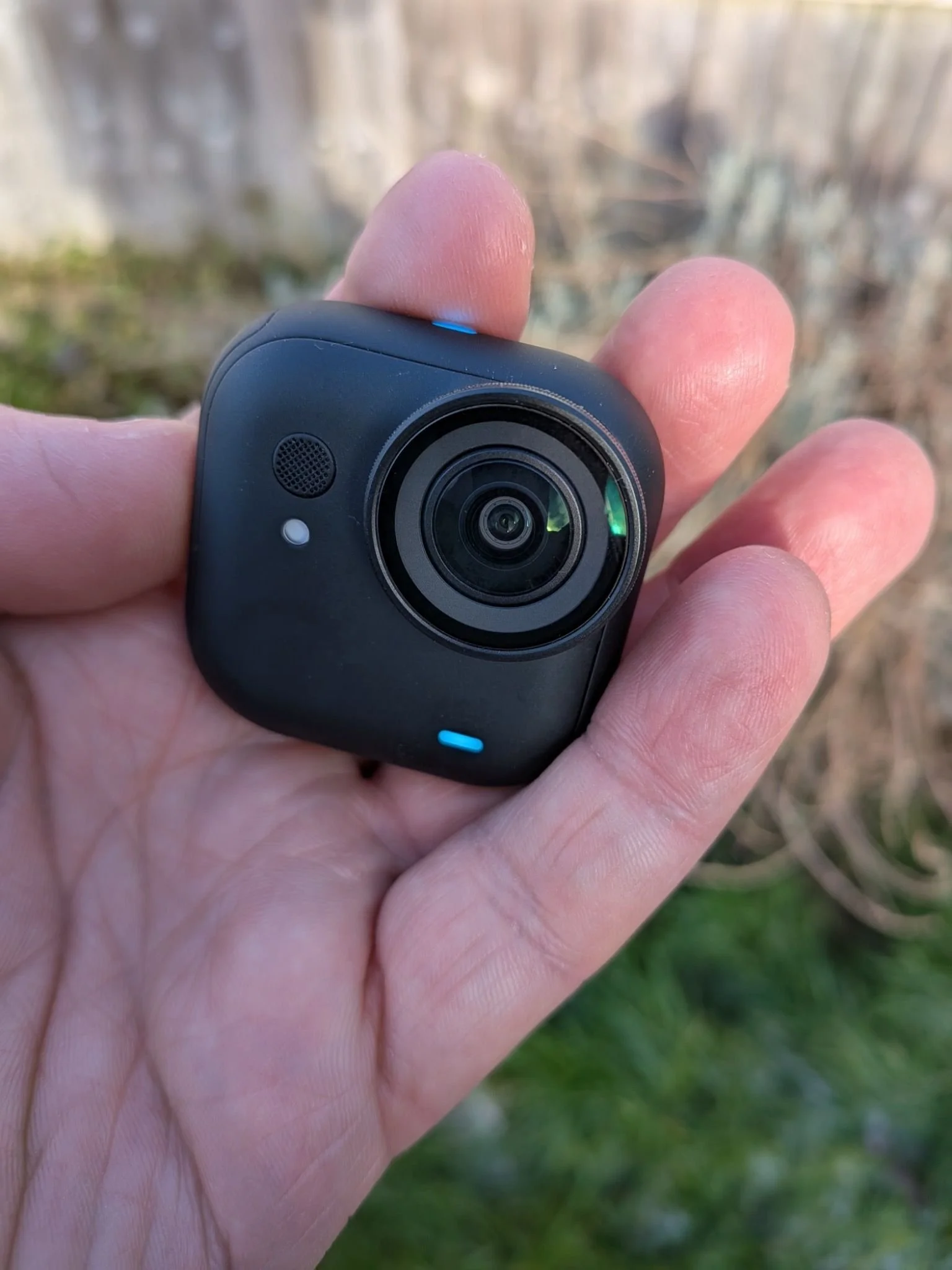
As I’m writing this, I’m looking out at my front garden on a cold but bright winter day here in the UK :clear blue sky, crisp light. This is where the Go Ultra truly shines.
However, as soon as the light drops ( late afternoon or typical grey UK winter weather ) the quality becomes more comparable to a smartphone. Colours aren’t as vivid, and footage looks flatter.
There is a PureVideo mode designed for low light, and while it does help, you shouldn’t expect miracles. And honestly, that’s fair: darker conditions naturally result in darker footage.
Final Thoughts: Is the Insta360 Go Ultra for You?
The Insta360 Go Ultra is an incredibly versatile little camera that can produce excellent results. If you live an active lifestyle, enjoy vlogging, or want a secondary camera to add creative angles and effects to your videos, this camera makes a lot of sense.
It’s genuinely impressive how far technology has come, producing this level of video quality from something so small still feels a bit futuristic.
That said, if like me, you’re more into cinematic videos, carefully composed shots, or filming mainly indoors while talking directly to the camera (like I often do), then something like the Insta360 Ace Pro 2 may be a better fit for your needs.
One final note: the Insta360 app is very good, but for the best possible video quality (editing), I personally recommend transferring your footage directly to a laptop rather than exporting via the app. I may not have found the perfect app settings yet, but direct transfers consistently give me better results.
I’m currently preparing a YouTube video about the Go Ultra, which I’ll share very soon.
And finally, thank you to Insta360 for sending this camera over for review purposes and keep making such well-designed, innovative products.
Disclosure: This post contains affiliate links. As an Amazon associate I earn from qualifying purchase. If you choose to buy through links, I may earn a small commission at no extra cost to you.
The Insta360 Go Ultra is available at Insta360.com (here) and on Amazon.com (here).
Jerome