
Insta360 Wave Review: AI Speakerphone Tested (2026)
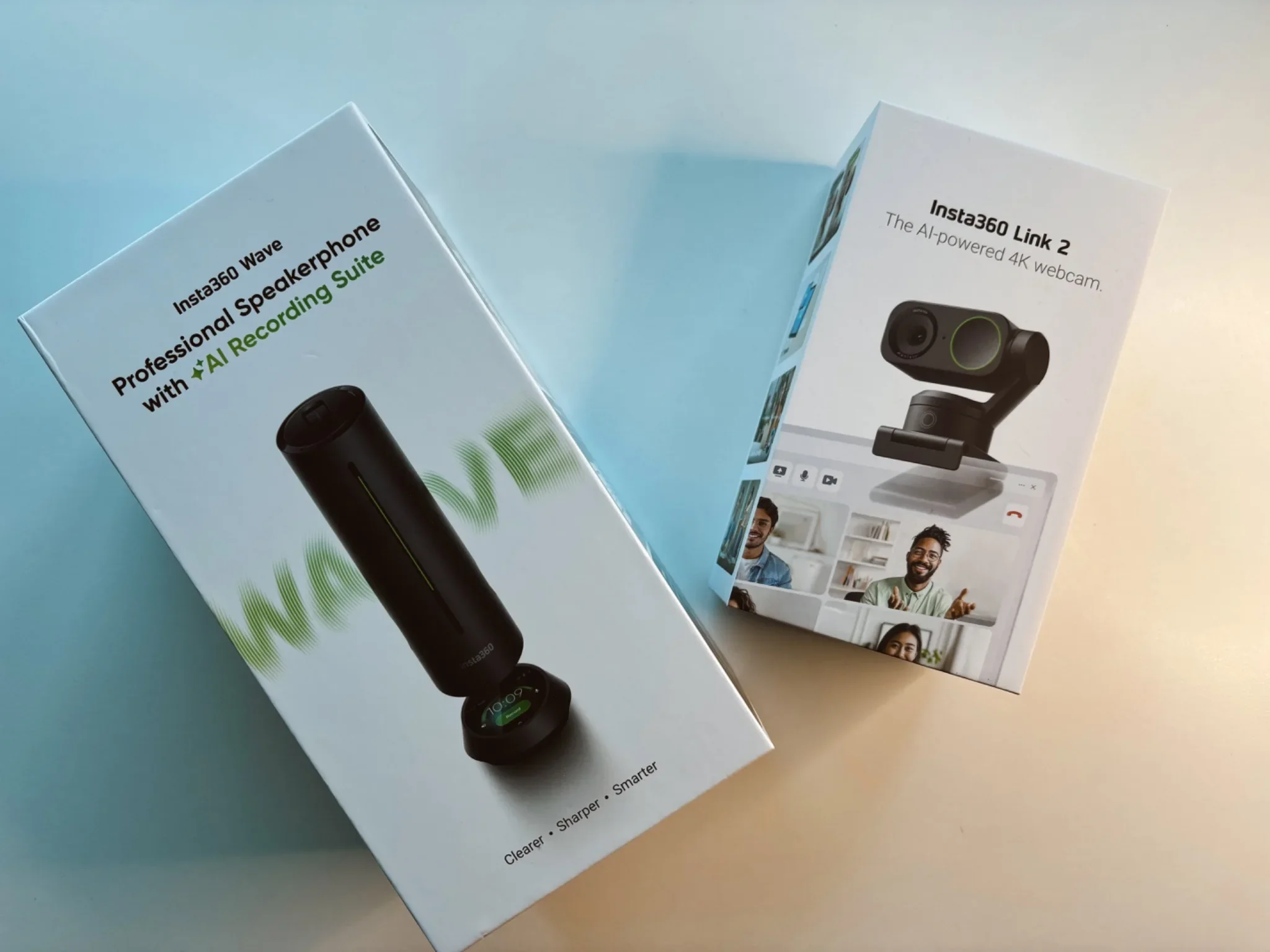
Disclosure: Insta360 kindly sent me the Wave and Link 2 Webcam for review purposes. As always, they have not seen or approved this review before publication, and the opinions are my own. This post contains affiliate links. As an Amazon Associate, I earn from qualifying purchases.
Post updated: 3rd of June 2026
I've tested a lot of AI gadgets over the past year, and most promise far more than they deliver. The Plaud Note AI was one of the few that genuinely stuck — I still use it constantly for meetings and voice notes. So when Insta360 reached out about the Wave, an AI-powered speakerphone designed for hybrid meetings, I was intrigued but sceptical.
After several months using it — alone, in group calls, and paired with the optional Insta360 Link 2 4K webcam — here's my honest experience from my home office in Bristol.
Insta360 Wave — Quick Overview
| Design & Build Quality | 9.5 / 10 |
| Sound Quality | 9.5 / 10 |
| AI Features & Transcription | 9.5 / 10 |
| Ease of Setup & Daily Use | 9 / 10 |
| Software & Ecosystem | 9 / 10 |
| Portability & Travel Use | 5 / 10 |
| Value for Money | 9 / 10 |
How I Tested the Insta360 Wave
- Duration: Several months of daily use for meetings, calls, and solo work.
- Setup: MacBook Air M1 via USB-C, Bluetooth for standalone speaker use.
- Environments: Home office in Bristol — kids occasionally wandering in, real-world background noise.
- Tested with: Solo calls, group meetings, paired with Insta360 Link 2 4K webcam, content recording.
- Compared against: Plaud Note AI, Jabra Speak series, and built-in laptop audio.
I launched this blog over 13 years ago, and technology was one of its original core topics. I don't review from a spec sheet — I test in the mess of real life.
What Is the Insta360 Wave?
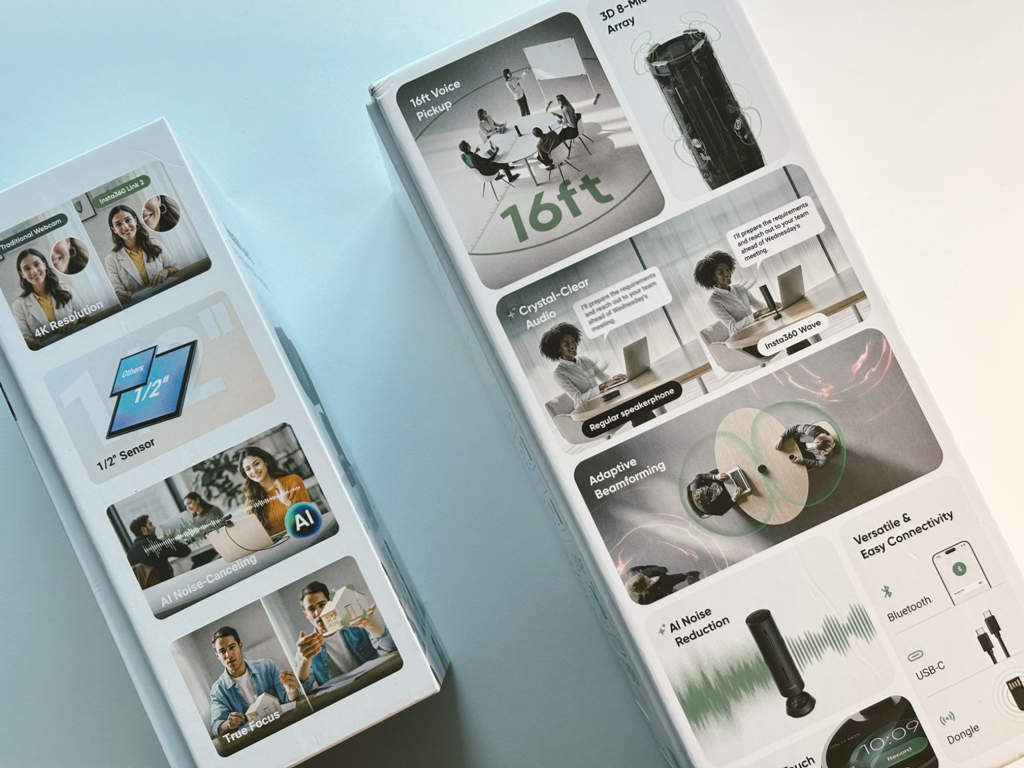
At its core, the Insta360 Wave is an AI-powered speakerphone designed to replace the messy meeting setups many of us still deal with: laptops in the middle of the table, poor microphones, background noise, and people leaning forward just to be heard. It goes well beyond basic audio.
The Wave offers:
An 8-microphone array that captures voices clearly from around the room
AI noise reduction that filters out everyday distractions
Automatic AI transcription and smart meeting summaries
Compatibility with Zoom, Microsoft Teams, Google Meet, and other platforms
It's clearly built for modern, hybrid work — whether that's a meeting room or a home office.
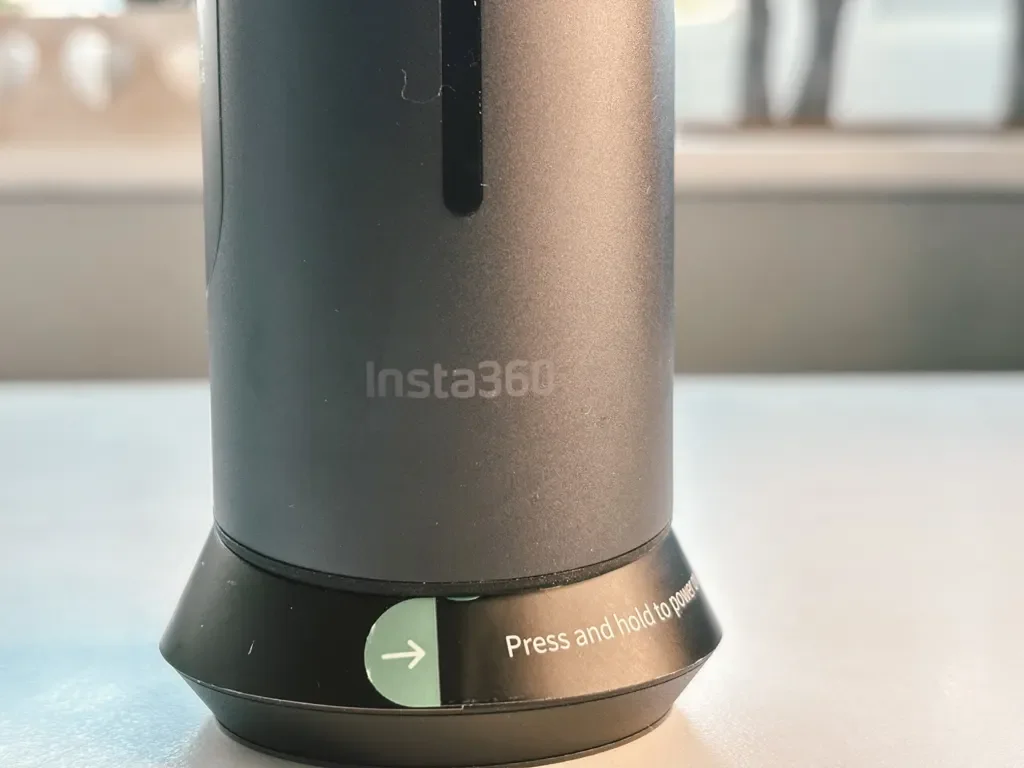
The power button sits neatly on the base of the Insta360 Wave, with simple printed instructions around the bottom edge.
Unboxing & Design: A Premium First Impression
I've always believed that packaging says a lot about a brand, and the Insta360 Wave immediately sets the tone. The box is clean, professional, and uncluttered. Everything is neatly laid out and exactly where you expect it to be.
The device itself looks fantastic. The matte black finish is minimalist and modern, and it fits perfectly into a clean desk setup.
Then there's the moment that really impressed me. When you press the power button for the first time, the top section of the Wave rises smoothly to reveal a built-in touchscreen display. It's elegant, quiet, and genuinely satisfying. Instantly, you realise this isn't just a basic speakerphone.
The touchscreen is crisp and responsive, and the internal speaker delivers loud, warm, and very clear sound for a device of this size. And honestly, it made me think of something: if Insta360 ever decided to design a smartphone powered by AI, with the kind of cameras they put in their action cameras — it would be incredible.
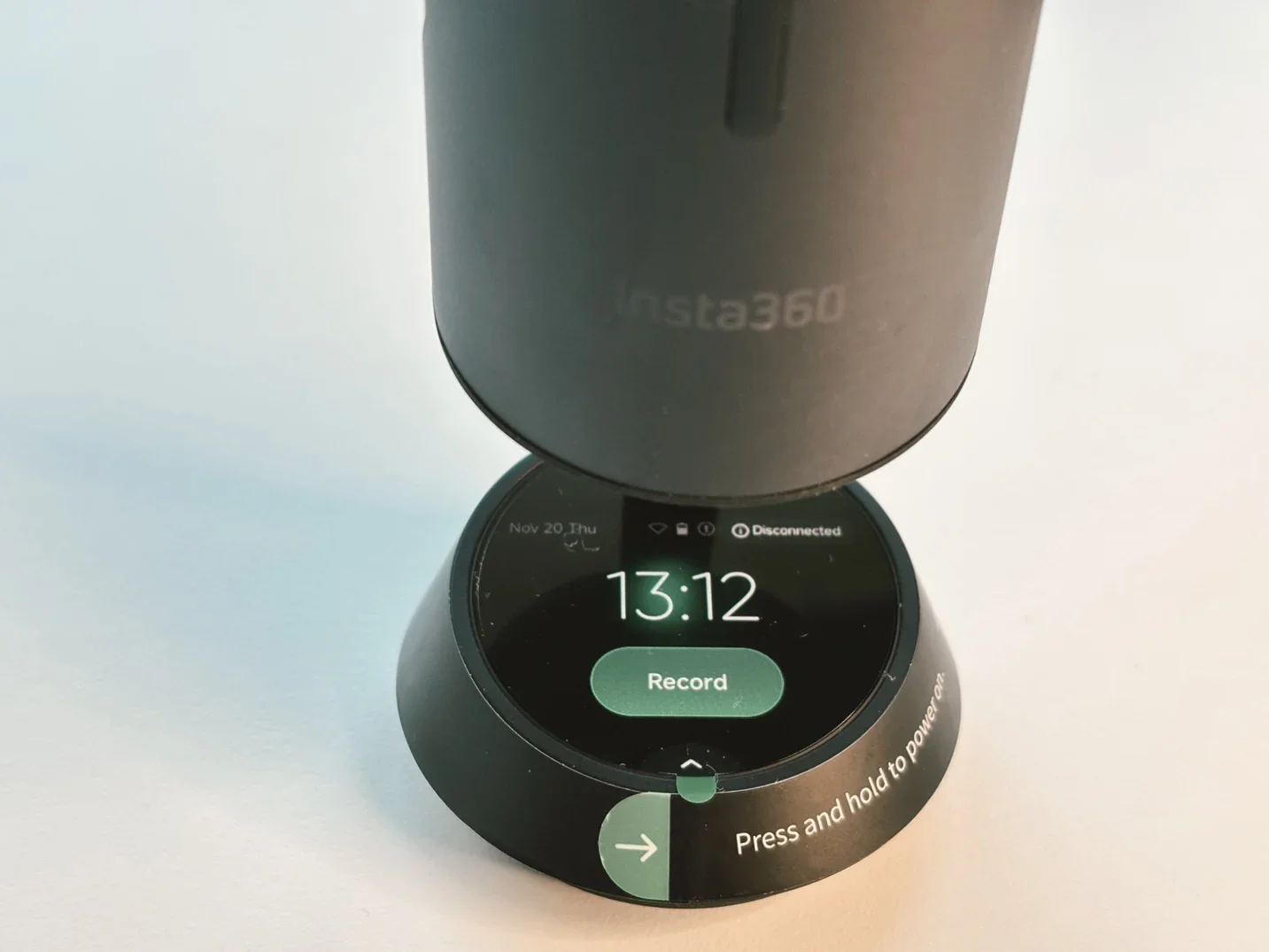
The touchscreen makes recording and controlling the Insta360 Wave feel simple and direct.
Initial Setup: Refreshingly Simple
Setting up the Insta360 Wave is one of those experiences that immediately puts you at ease. No complicated steps, no technical headaches. You power it on, the top rises, and the Wave guides you through the basics on its touchscreen. The interface is clean, modern, and intuitive — exactly what you'd expect from a brand with strong design DNA.
I connected it to my MacBook Air M1 (which, by the way, is still going strong even in 2026) using the included USB-C cable. Once connected, you're prompted to download the Wave Controller software, which gives you access to deeper settings, recording options, and AI features. You can also connect the Wave via Bluetooth, turning it into a surprisingly good standalone speaker. If your laptop speakers aren't great, this is a noticeable upgrade.
From opening the box to being fully set up took me less than five minutes. For a device packed with this much technology, that's exactly how it should be.
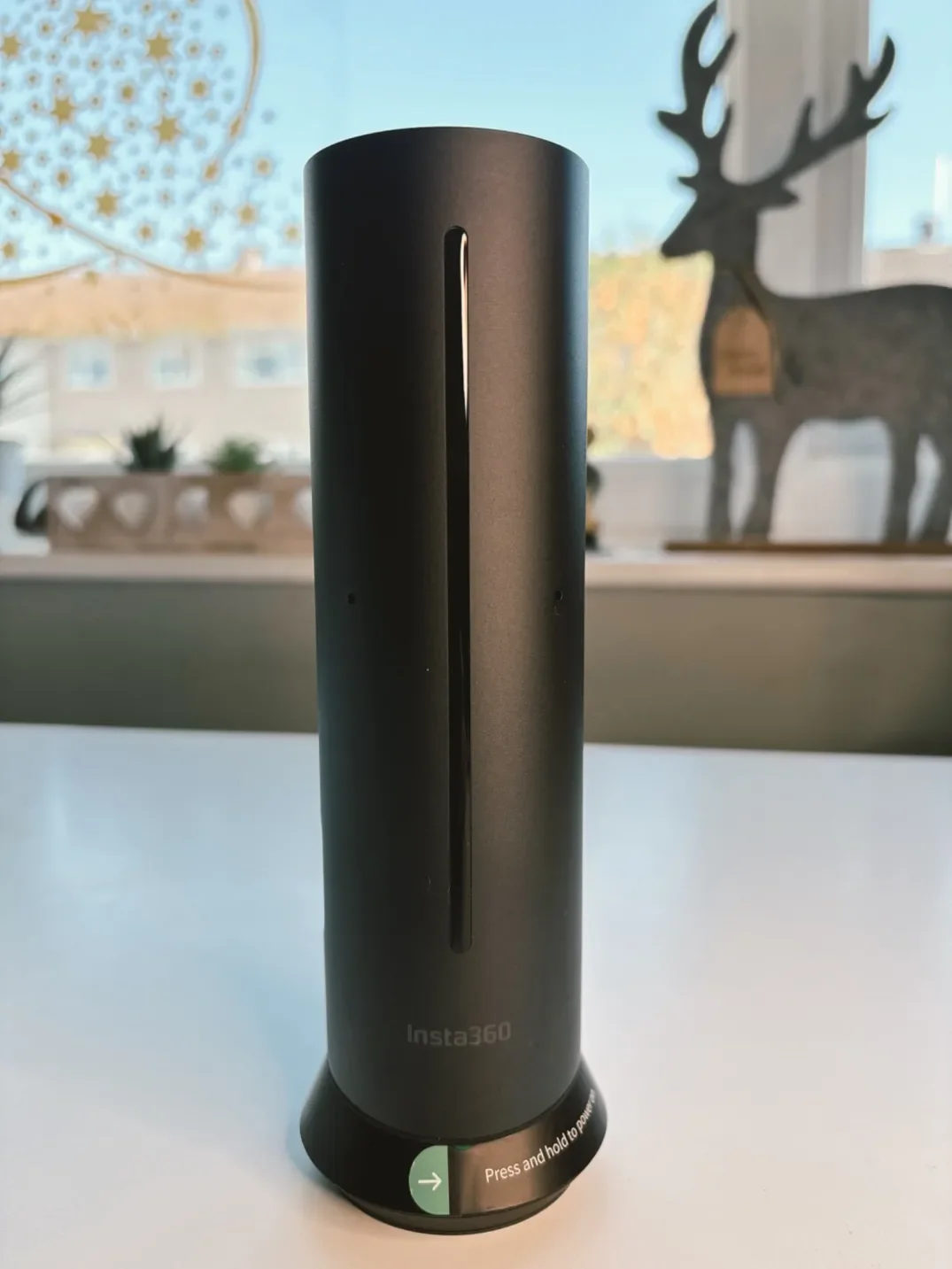
The Insta360 Wave has a clean cylindrical design that looks more like a modern desk accessory than a traditional speakerphone.
How I'm Using the Insta360 Wave in Real Life
One of the things I really appreciate about the Insta360 Wave is that it adapts to different work styles.
Before becoming a full-time blogger, I worked for a company with offices in Japan and the US. Looking back, I genuinely wish we'd had something like this back then — it would have changed the way we ran meetings entirely.
For Office Meetings and Team Calls
In meetings with several people, the Wave really shines. It records everything clearly thanks to its 32GB of internal storage, capturing voices from around the room without anyone needing to lean in or repeat themselves. Listening back to recordings feels natural, and the AI transcription is impressively accurate. But the real highlight is the AI-generated summary. It's structured, readable, and even identifies who said what.
You can share transcripts or summaries instantly via a QR code — a genuinely clever feature that avoids endless email chains.
Pairing the Insta360 Wave With the Link 2 Camera
When you add the optional Insta360 Link 2 4K webcam, the Wave becomes a full AI-powered meeting system. The camera magnetically mounts on top of the Wave and instantly elevates your setup. Video quality is excellent, framing is smart, and the whole experience feels far more professional.
From my home office in Bristol, this combination has noticeably improved how my online meetings feel — both in terms of confidence and presentation.
A Great Option for Content Creators
This setup isn't just for meetings. I know several content creators already using the Wave and Link 2 combination for live streaming and video calls, and I completely understand why. I'm currently filming content with this setup myself, and it creates a "mini studio" feel without complicated gear or a dedicated space.
If You Work From Home, This Is a Massive Upgrade
From my desk here in Bristol, with kids occasionally walking around, the Wave and Link 2 combo has completely transformed how my online meetings feel. The audio is clear, the camera keeps me perfectly framed, the transcription helps me stay organised — and everything works seamlessly every single time.
Whether you're self-employed, running a business, freelancing, or hosting calls with brands, this setup helps you step up your game instantly. You look better. You sound better. And you appear far more professional.
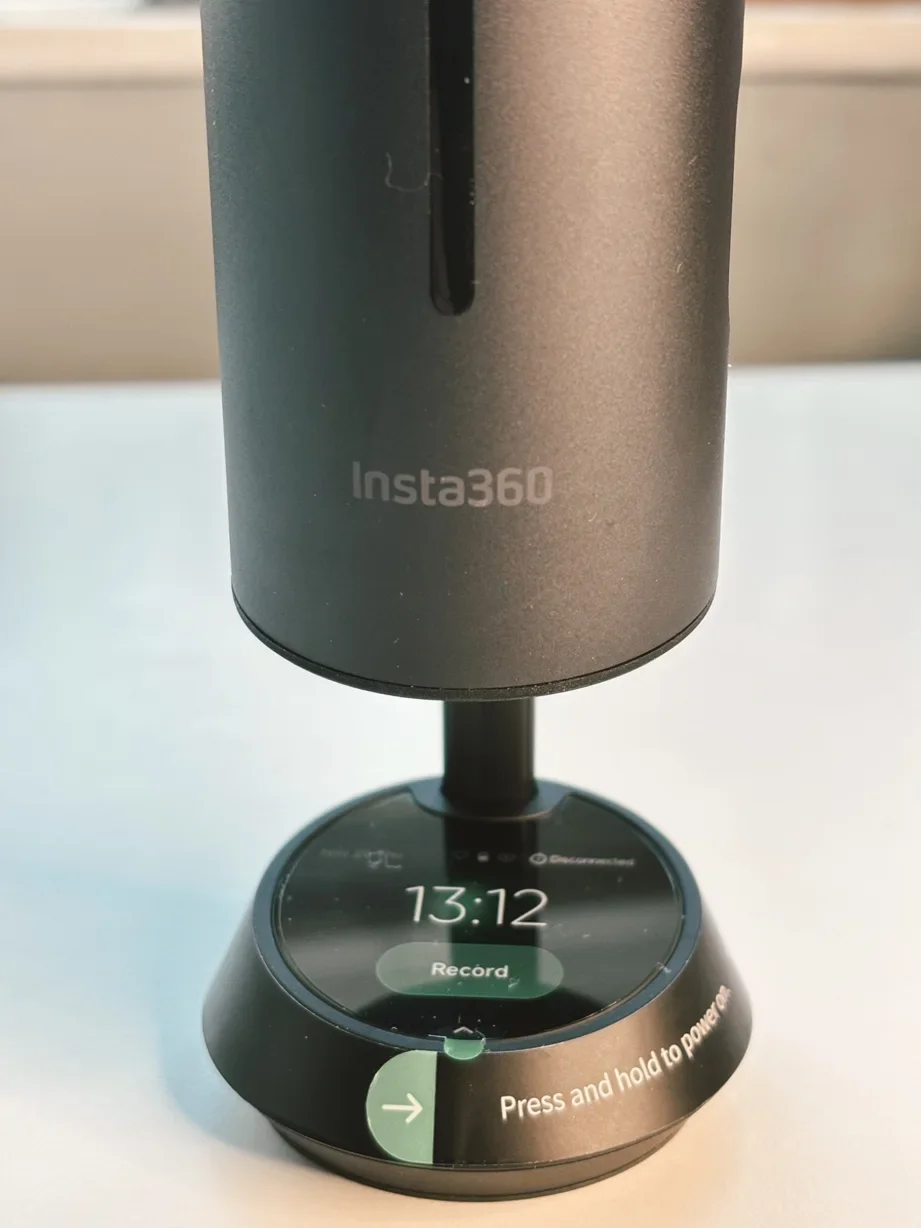
The built-in touchscreen gives the Insta360 Wave a more premium and practical feel during everyday use.
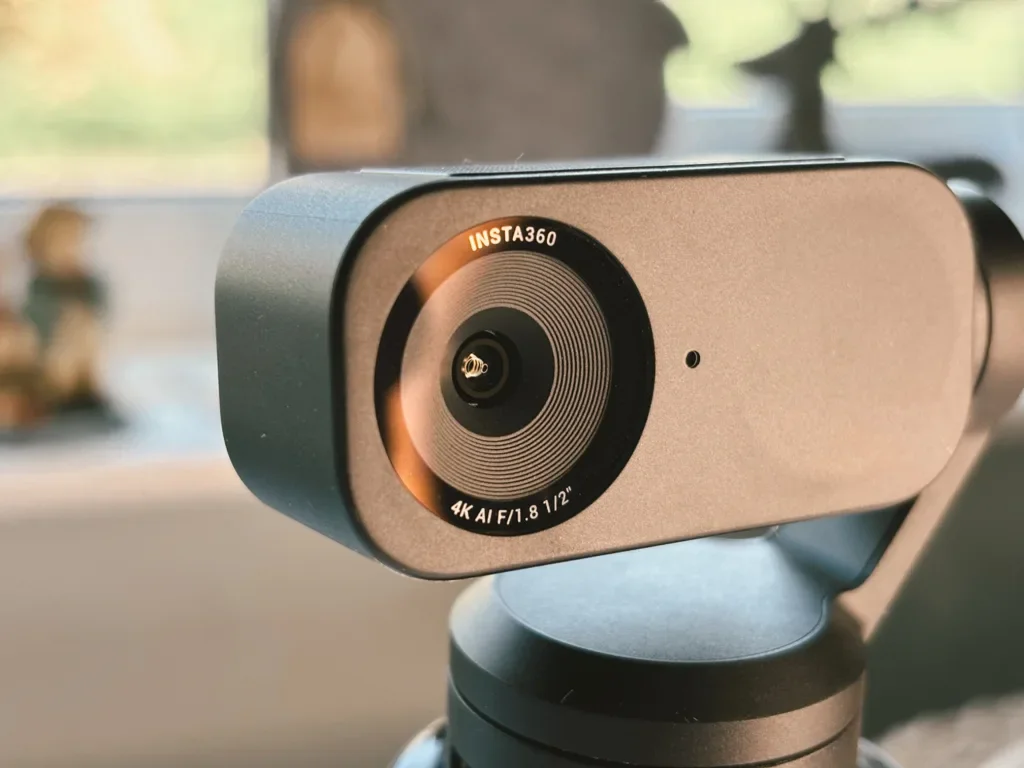
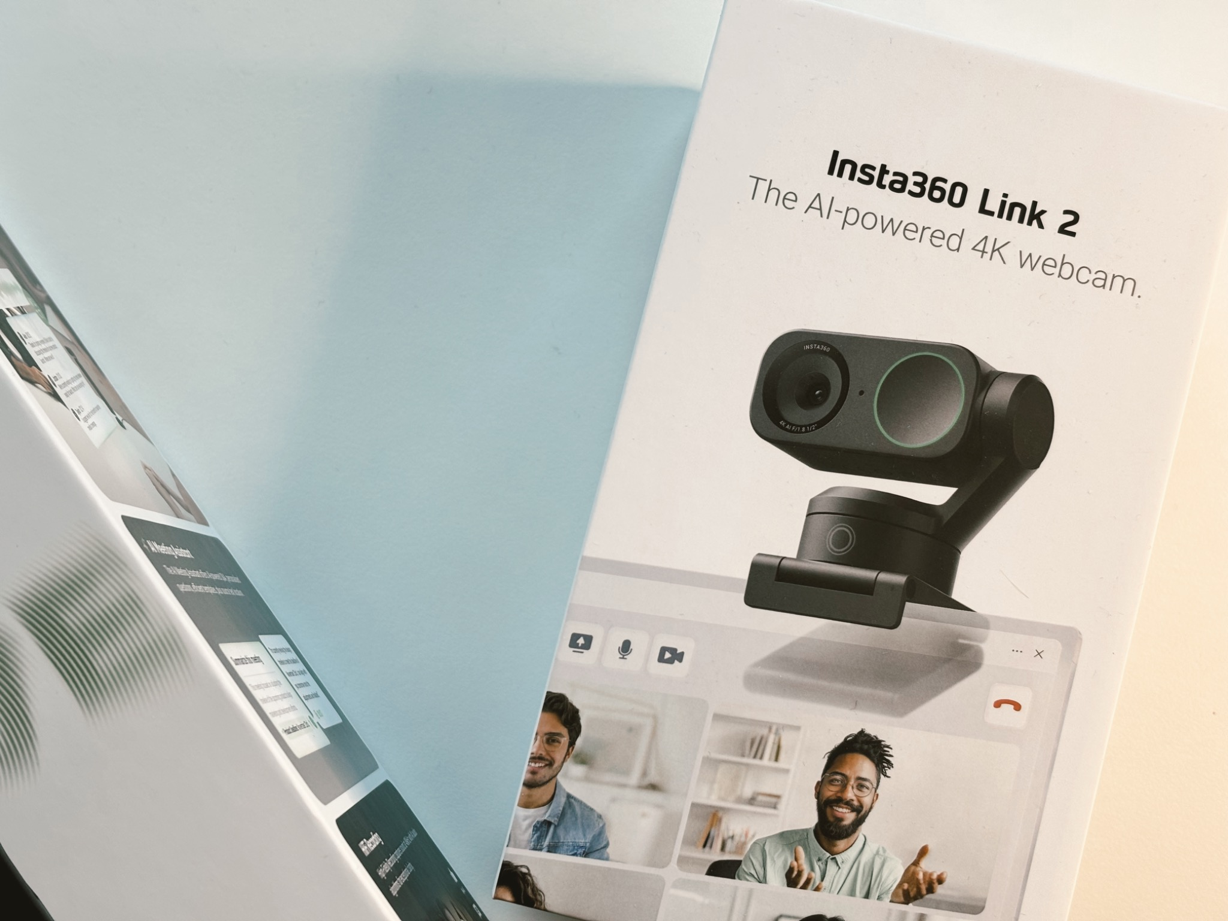
The Insta360 Link 2 4K AI webcam, which pairs well with the Insta360 Wave for a cleaner video call setup.
How the Insta360 Wave Compares
Vs Plaud Note AI
I still use and love the Plaud Note AI. It's my go-to for personal voice notes, quick ideas, and drafting blog posts. But the Insta360 Wave operates at a different level. The Plaud is a personal AI recorder — brilliant for solo use. The Wave is built for collaboration: group meetings, multi-person transcription, and speaker identification. They serve different purposes. If you work mostly alone, the Plaud is perfect. If you run or join regular meetings with others, the Wave is the more capable tool.
Vs Traditional Speakerphones (Jabra Speak, Anker PowerConf)
I've used Jabra Speak and Anker PowerConf devices in the past. They're solid speakerphones — good audio, reliable connections. But they don't offer AI transcription, meeting summaries, or a built-in touchscreen. They're speakers. The Insta360 Wave is a meeting system. The difference is that after a call with a Jabra, you have your memory. After a call with the Wave, you have a transcript, a summary, and action points. For hybrid work, that's a genuine productivity upgrade.
Final Thoughts
AI is everywhere right now, and much of it still feels like marketing noise. Very few AI-powered devices genuinely change how you work. The Plaud Note AI was one of the first that made me think, this actually makes sense.
The Insta360 Wave builds on that idea and takes it further.
You get thoughtful design, excellent sound quality, reliable software, and AI features that genuinely save time instead of adding complexity. It's not a travel gadget — and it doesn't pretend to be — but as a desk-based AI meeting system, it's one of the most impressive I've tested so far.
Just remember to always respect local privacy and recording regulations when using recording features.
This is exactly where I see the future of AI heading: not replacing us, but supporting us — helping us communicate better, work smarter, and simplify the messy parts of modern work.
Sometimes, a piece of tech just makes sense. The Insta360 Wave is absolutely one of them.
Jerome
FAQs
-
Yes. The Wave is fully compatible with Zoom, Microsoft Teams, Google Meet, and most major video conferencing platforms. I tested it primarily with Zoom and had zero issues — just plug it in via USB-C, select it as your speaker and microphone, and it works straight away.
-
Yes, and that's one of its strongest features. The Wave records and transcribes meetings in real time, then generates an AI summary that identifies who said what. You can share transcripts instantly via a QR code, which avoids long email chains. The transcription accuracy is very good — not perfect, but genuinely useful.
-
Not really, and it doesn't pretend to be. It's designed as a desk-based meeting system, not a travel gadget. It's compact enough to move between rooms, but it's not pocket-sized and it needs a USB-C connection for full functionality. If portability is your priority, look at smaller options like the Plaud Note AI.
-
No. The Wave works perfectly well on its own as a speakerphone with AI transcription. The Link 2 camera is an optional add-on that magnetically mounts on top and turns the Wave into a full video meeting system with 4K quality and smart framing. Nice to have, but not essential.
Why You Can Trust This Review
I launched Dapper & Groomed over 13 years ago, and technology was one of its original core topics. I've reviewed laptops, smartphones, accessories, and everyday tech for years — always focusing on real-world use rather than specs alone.
I'm a long-time tech enthusiast and now spend a lot of time testing AI-powered tools that genuinely improve the way we work. This review is based on several weeks of daily use in my home office — not a controlled lab environment. If something doesn't hold up in real life, I say so.
About the author: I'm Jerome, founder of Dapper & Groomed. I've spent the past 13 years testing and reviewing tech,speakers, earbuds, headphones, skincare products, fragrances, grooming products, and men's lifestyle gear on this blog and on my YouTube channel. My reviews are never approved or previewed by brands — just honest, real-world testing from a dad who's been at this since 2013.
The SJCAM SJ6 Ultra brings 4K video, stabilization, vertical shooting and wireless mic support to creators for around $100.